1
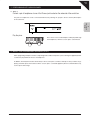
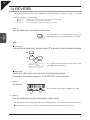
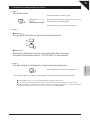
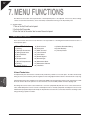
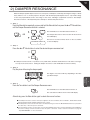
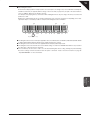
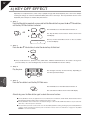
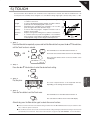
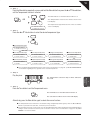
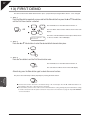
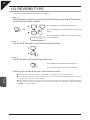
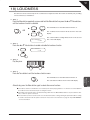
Page 42 13) FIRST DEMO This function allows the default demonstration piece - played when pressing the Demo button - to be changed. Step 1 Press the Menu button repeatedly, or press and hold the Menu button then press the S or T Value buttons, until the First Demo function is selected. The LED indicator for the Menu button will turn on. OR The First Demo menu function will be shown in the LCD display. 13.FirstDemo= 29 Heroique The name of the default demonstration piece will be shown on the second line of the LCD display. Step 2 Press the S or T Value buttons to select the desired default demonstration piece. Step 3 Press the Tone button to exit the First Demo function menu. The LED indicator for the Menu button will turn off. The selected tone will be shown in the LCD display. Alternatively, press the Menu button again to select other menu functions. 7 MENU FUNCTIONS The piece selected in Step 2 will be played upon pressing the Demo button. The First Demo function will return to the default setting of ‘No. 29: Heroique’ when the S and T Value buttons are pressed at the same time, or when the power is turned off. The User Memory function can be used to store the desired First Demo setting, allowing the preferred First Demo setting to remain selected even after the power is turned off. Please refer to the instructions on page 49 - 20) USER MEMORY - for more information.