1
WSCAN Software
3.7
17
CANopen network
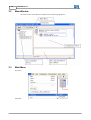
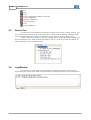
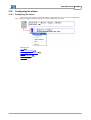
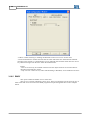
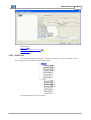
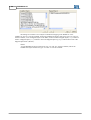
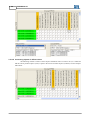
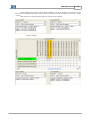
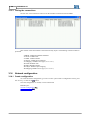
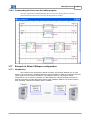
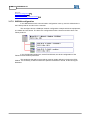
The network structure will be always graphically represented on the WSCAN software. The main
data related to master and slaves are listed in this representation.
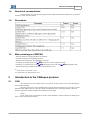
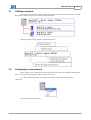
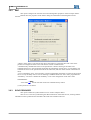
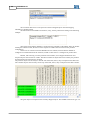
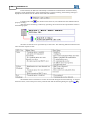
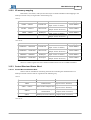
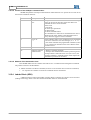
The device data will be organized in the following mode:
3.8
Configuring a new network
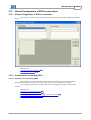
When creating a new CANopen network project the devices will be not configured (including the
master). Therefore, the following procedures shall be carried out:
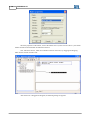
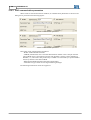
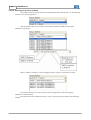
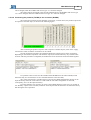
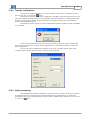
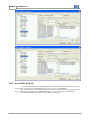
1st - Define the network master by clicking on the master picture and select the option
“Properties”.
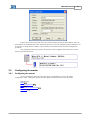
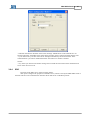
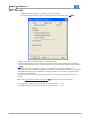
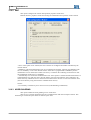
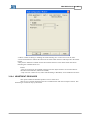
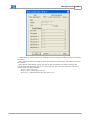
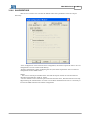
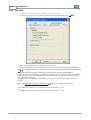
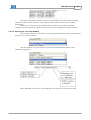
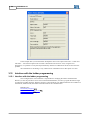
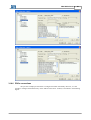
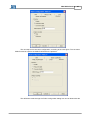
The following dialog box appears: