1
Menus
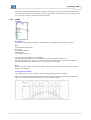
FUNCTION
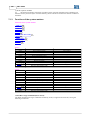
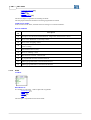
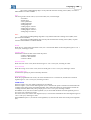
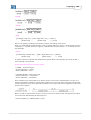
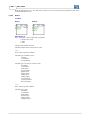
Inserts a Comparator
260
53
element
DESCRIPTION
You can insert the function block by clicking with the left mouse button on the desired position. If the cursor
changes to the symbol "Not-Allowed", the Function block cannot be inserted and an information is written
on the status bar.
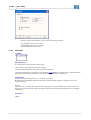
3.5.7.7.2 MATH
ACCESS
Menu: Insert - Function Blocks - Calculation - MATH
Standard Toolbar:
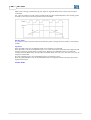
FUNCTION
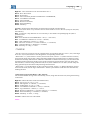
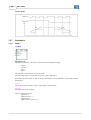
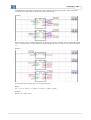
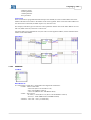
Inserts an Arithmetical
261
element
DESCRIPTION
You can insert the function block by clicking with the left mouse button on the desired position. If the cursor
changes to the symbol "Not-Allowed", the Function block cannot be inserted and an information is written
on the status bar.
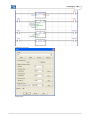
3.5.7.7.3 FUNC
ACCESS
Menu: Insert - Function Blocks - Calculation - FUNC
Standard Toolbar:
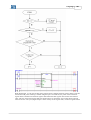
FUNCTION
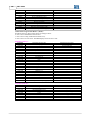
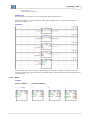
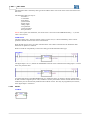
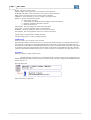
Inserts an mathematical function
268
element
DESCRIPTION
You can insert the function block by clicking with the left mouse button on the desired position. If the cursor
changes to the symbol "Not-Allowed", the Function block cannot be inserted and an information is written
on the status bar.
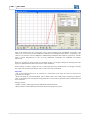
3.5.7.7.4 SAT
ACCESS
Menu: Insert - Function Blocks - Calculation - SAT
Standard Toolbar:
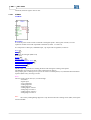
FUNCTION
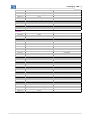
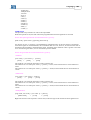
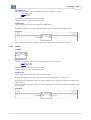
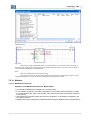
Inserts a Saturation
269
element
DESCRIPTION
You can insert the function block by clicking with the left mouse button on the desired position. If the cursor
changes to the symbol "Not-Allowed", the Function block cannot be inserted and an information is written
on the status bar.