1
G U R U T R A C K E R
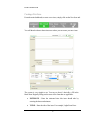
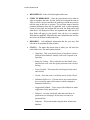
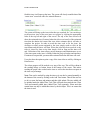
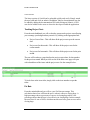
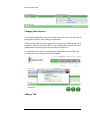
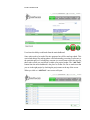
All the user needs to do is add the hours and the minutes a particular task took to
complete along with the description. When you have finished adding tasks click on
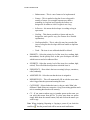
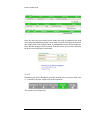
the submit button. You will see a conformation message pop up stating the task(s)
were added successfully.
Days Off
Users working on a project can request days off with the GuruTracker system.
This is a great way to keep track off days off needed so that adjustments can be
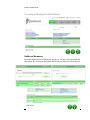
made while a particular tech is off. To request a day off within the system, click
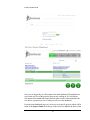
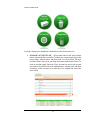
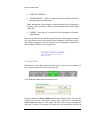
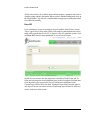
on “Days Off” from the main dashboard. A new screen will open:
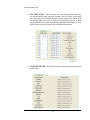
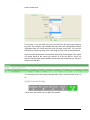
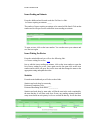
On the new screen enter the date range that is needed off in the From and To
fields and a description or any additional notes in the Description field and then
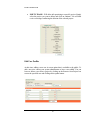
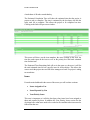
click on submit. Any requests for days off will then be highlighted in the
Current Days Off box below the form. Managers/Supervisors can then approve
any days off in one convenient location. Requesting days off must be done two
weeks in advance in the system.
20