1
Advanced Settings
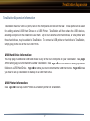
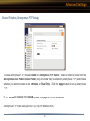
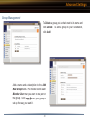
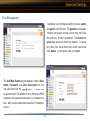
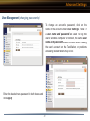
Disk Backup (Edit Backup Job)
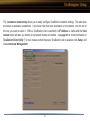
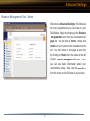
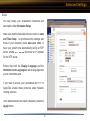
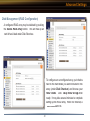
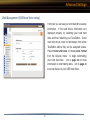
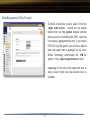
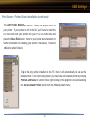
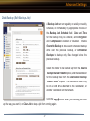
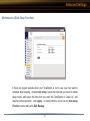
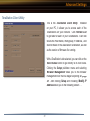
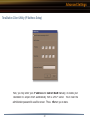
A Backup Job can run regularly on a daily or weekly
schedule, or immediately by appropriate choices in
the Backup Job Schedule field. Date and Time
for the backup may be entered, and Encryption
and Compression enabled or disabled. Enable
Overwrite Backup to have each scheduled backup
write over the previous backup, or Differential
Backups to backup only files changed since the
previous backup.
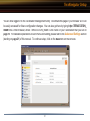
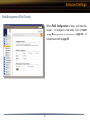
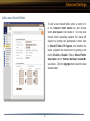
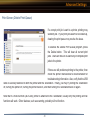
Select the folder to be backed up from the Source
Backup Shared Folder dropbox, and the destination
for the backup files from the Destination Backup
Shared Folder dropbox. The destination folder may
be on a USB drive attached to the TeraStation, or
another TeraStation on the network.
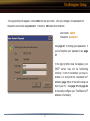
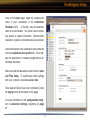
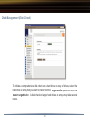
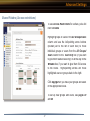
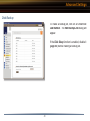
Click the Apply button when your backup job is set
up the way you want it, or Clear Job to stop a job from running again.
47