1
Gigaset N510 IP PRO / engbt / A31008-M2217-R101-1x-7619 / introduction.fm / 18.02.2011
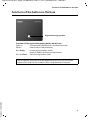
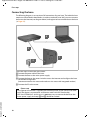
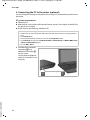
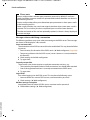
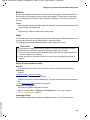
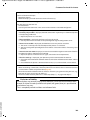
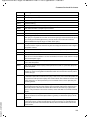
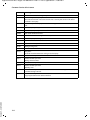
Functions of the button on the base
Functions of the button on the base
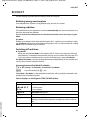
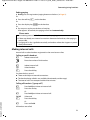
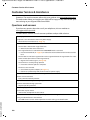
Registration/paging button
Functions of the registration/paging button on the base
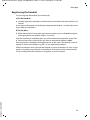
Lights up:
Flashes:
Press briefly:
Press and hold:
LAN connection active (phone is connected to router)
Data transfer to LAN connection
Launch paging (handset search),
display IP address of the base on the handset
Set base to registration mode
Version 5, 23.09.2008
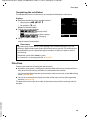
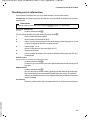
You can operate, set up and use all the telephone functions on your base with a
Gigaset C59H, C610H, SL78H, SL400H, S79H or S810H handset, for example.
3