1
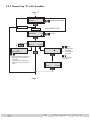
Bx 4A
OUTPUT
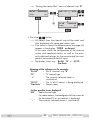
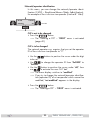
Channel
Channel / Freq.
UÊ1ÃiÊ
to select channel setting “Channel” or frequency setting “Freq.”.
UÊ*ÀiÃÃÊÌ
iÊ
button.
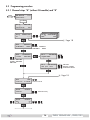
—> The “Setting the output channel” or “Setting the output frequency” – “OUTPUT” menu is activated.
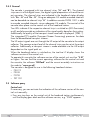
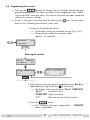
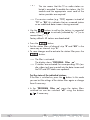
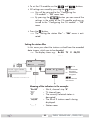
Setting the output channel
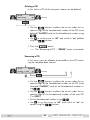
In this menu you set the output channel of the channel strip.
Additionally the modulator of the channel strip can be
switched off or on (page 26).
Bx 4A
S21
OUTPUT
on
Ï/Å
on / off
UÊ Use the
buttons to set the output channel.
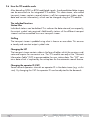
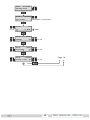
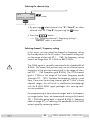
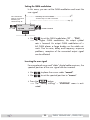
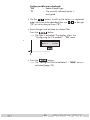
Setting the output frequency
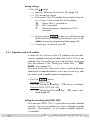
In this menu you set the output frequency of the channel strip
{Ó°äÊoÊnÈä°äÊâ®.
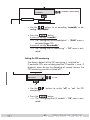
Additionally the modulator of the channel strip can be switched
off or on (page 26).
Ï/Å
Bx 4A
OUTPUT
466.00
on
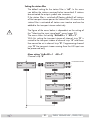
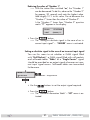
UÊ1ÃiÊÌ
i
Ï/Å
on / off
buttons to place the cursor under the digit
- 25 -
PHDQ 1000 ASI LAN / PHDQ 1001