1
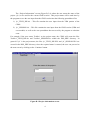
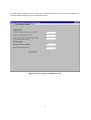
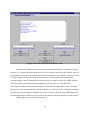
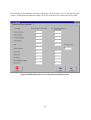
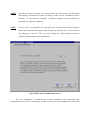
The “Selection of Cost Spreadsheet” screen (Figure B.4) is where the CDSS is instructed
on which cost spreadsheet to use. If the user selects the ‘Start a new session’ option, the user
input from the CDSS session will be written to the ‘cost.xls’ cost spreadsheet by default and the
user will be taken to the next screen.
NOTE:
First time users must select the ‘Start a new session’ option.
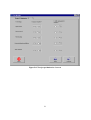
Figure B.4 Selection of cost spreadsheet screen
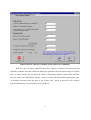
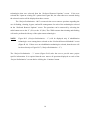
However, if the user has previously completed a CDSS session (which has been saved as
‘fn’_Session.xls) he/she can select the ‘Open an existing file’ option and select the appropriate
file to be used by the CDSS. By selecting this option, many of the user inputs provided during
the previous session will automatically be displayed by the CDSS. Upon selecting the ‘Open an
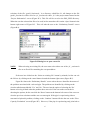
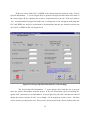
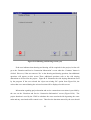
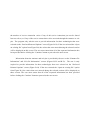
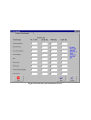
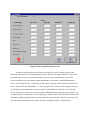
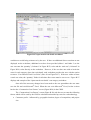
existing file’ option, the user is led to the file box displaying all of the Microsoft® Excel files in
DSS_PIPE directory (see Figure B.5). If the desired file is not in the DSS_PIPE directory, the
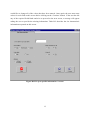
user should open the appropriate directory and select the file. For example, Figure B.5 shows the
5