1
Opensphere Message Detector
following entry in the EMS configuration file bridges.conf would make sure that every message gets
replicated to the topic named sample.topic.
[queue:sample.queue]
topic=sample.topic
1.4. MESSAGE EDITORS
Tibco Rendezvous and JMS messages within Opensphere Message Detector can be shown and edited
using the message editor.
1.4.1. MESSAGE LIST EDITOR
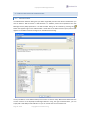
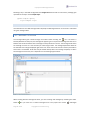
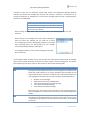
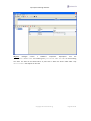
The message editor gets invoked through the toolbar button showing the
icon. The editor is
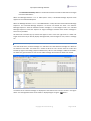
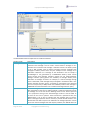
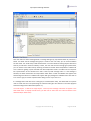
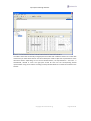
basically divided into two parts, the message list appearing on its top and the message view that on its
bottom that shows the details of the message currently selected in the list. The message view shows
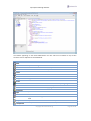
the message structure as a tree and lets you select single nodes. The message dependent details of
the selected tree node get displayed right to the tree. Some tree nodes contain read only information
some others are editable. Some data may be edited directly within the message list (table) or within
the message structure tree; this is dependent on the message type however.
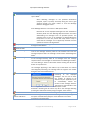
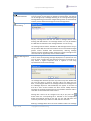
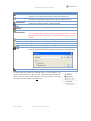
When working with the message list editor, you start creating new messages by activating the “Add”
button
or you load one or several messages from a file (“Open File” button
Page 21 of 40
copyright © centeractive ag
). Messages