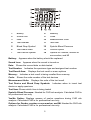
1
Section 9
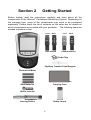
Optical System Check
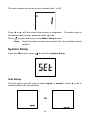
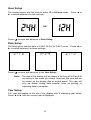
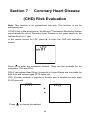
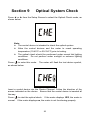
Press ◄ or ► from the Setup Screen to select the Optical Check mode, as
shown below.
Note:
• The control device is intended to check the optical system.
• Allow the control devices and the meter to reach operating
temperature (15-40°C or 59-104°F) prior to testing.
• The optical check should be performed under normal lab lighting
conditions. Do not perform under sunlight or extreme lighting
conditions.
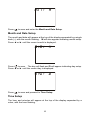
to enter this mode.
Press
as shown below.
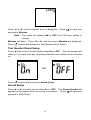
The meter will flash the test device symbol,
Insert a control device into the Device Channel. Follow the direction of the
arrows indicated on the device. Ensure that the control device is inserted all
the way.
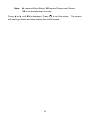
Press
normal.
to start the optical check. If the meter displays YES, the meter is
If the meter displays no, the meter is not functioning properly.
36