1
MOLECULAR DEVICES > CLONESELECT IMAGER
OPERATOR MANUAL
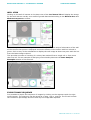
DISPLAY STATISTIC
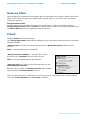
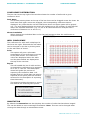
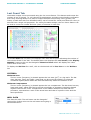
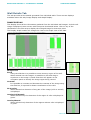
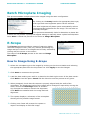
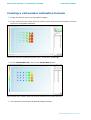
The drop down menu will display either the ‘Loci Count’ or the ‘Mean Loci Area’ on the
overview.
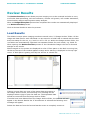
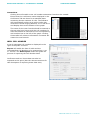
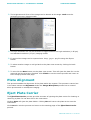
The ‘Clear Loci’ button allows the loci processing to be cleared. A prompt will appear
warning that all the current loci data will be lost if continuing.
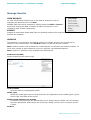
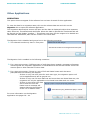
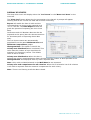
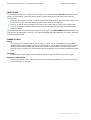
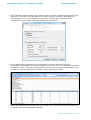
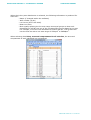
Export will enable the lists of wells and the
corresponding Loci Count to be exported as a
.csv or .xml file. The Data Export wizard will
guide the process of exporting the Loci Count
data.
Confluence and Cell Number data can also be
exported at this point (See the relevant sections
for this description of exporting these data
sets).
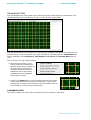
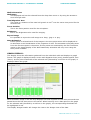
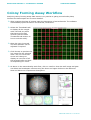
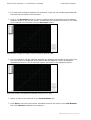
The Loci Count criteria are automatically
populated from the gated Minimum Area and
Minimum Compactness graphs.
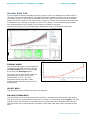
Histogram Bins: This option is used if the
Colony area distribution box is selected. This
value sets the number of equi-sized bins for
exporting loci frequency counts. The default
value is set to 20 bins.
Colony area distribution: When this box is
selected the colony area distribution data is divided into the number of bins specified in the
Histogram Bins and displayed with any other exported data.
Note: Only wells included/selected in the Well Data list are exported.
Colony area and compactness for all colonies: When this is selected a list of all colonies
in all wells is exported with the area and compactness for each colony.
Note: There is no filtering so all the data is listed.
Molecular Devices > 31 of 69