1
Appendix A – ActiveX Controls
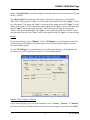
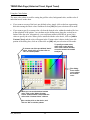
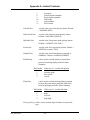
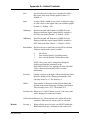
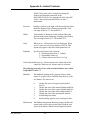
this window. Enter RGB colors in Hex in the
format 0xbbggrr where rr is the red, gg is the
green and bb is the blue.
For example, if you want the background color to
be red, enter: 0x0000FF
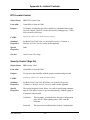
GridColor
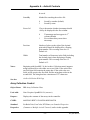
Specifies the color (in RGB colors) of the grid
lines. Enter RGB colors in Hex in the format
0xbbggrr where rr is the red, gg is the green and
bb is the blue.
For example, if you want the grid color to be
blue, enter:
0xFF0000
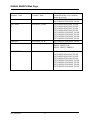
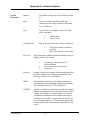
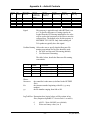
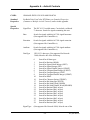
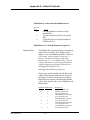
VisibleDataPoints
Specifies how many data points (individual
signal values for a trace) will be visible at any
one time.
Choice
0
1
2
3
4
5
6
7
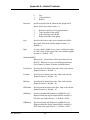
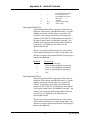
DateFormat
Number of data points visible
10 data points
20 data points
30 data points
40 data points
50 data points
60 data points
70 data points
80 data points
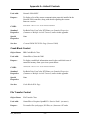
The format of dates displayed along the X-axis
can be one of the following:
Date Format
Locale specific (date format
chosen based on whatever format
has been configured for your
particular PC.)
hh:mm:ss
MM:DD hh:mm:ss
DD-hh:mm:ss
Choice
0
1
2
3
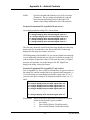
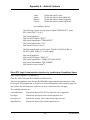
where
hh=hours
mm = minutes
A-57
Web_BSI Manual