1
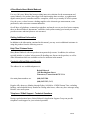
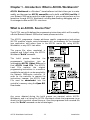
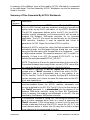
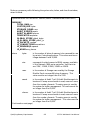
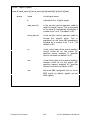
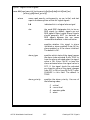
There are three types of debugging flags which can be set to help isolate problem
areas in an ACCOL task. They may only be placed on numbered task lines.
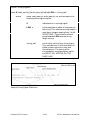
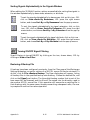
Breakpoint flags stop task execution at a certain point, and allow it to
continue, one task line at a time, by clicking on the single step icon.
Task lines containing skip flags are ’skipped over’ and so do NOT execute.
Task lines containing abort flags, and all task lines following them are
ignored. Task execution resumes from the beginning of the task.
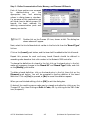
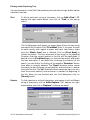
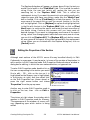
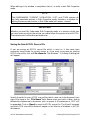
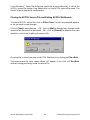
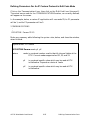
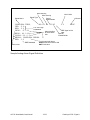
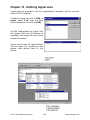
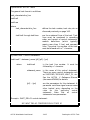
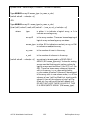
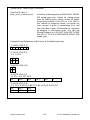
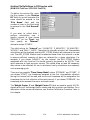
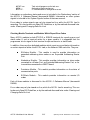
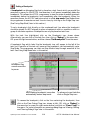
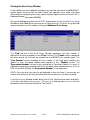
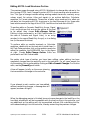
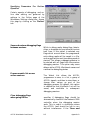
These flags may be set by clicking on the numbered task line where the flag should
be placed, and then clicking on the icon associated with the flag (shown above).
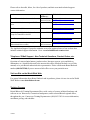
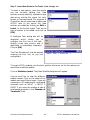
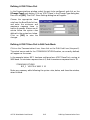
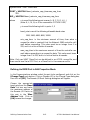
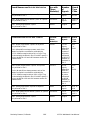
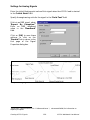
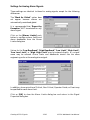
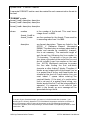
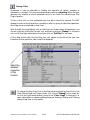
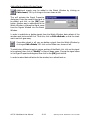
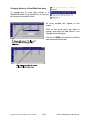
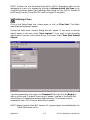
Debug flags may also be set and
cleared using the Debug Flags for
Load dialog box, which is accessible by
clicking as follows: View
Node
Information
Debug Flags.
Å
ACCOL Workbench User Manual
Å
4-11
Quickstart for Experienced Users