1
Planning
9
PLANNING
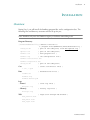
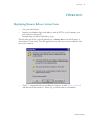
In this chapter, we cover activities that can be done prior to downloading and installing the
software.
Tutorial
View the FREE online tutorial at http://remote-reboot.href.com/rsututor using a web browser.
You will not need to download anything.
How to choose a domain name during free evaluation
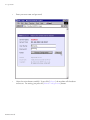
When evaluating RemBoot, you must use a domain name -- in order to install it, and to
access the login screen.
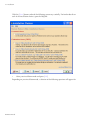
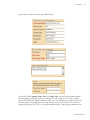
Whatever name you select during installation must ping as one of the ip numbers on the
machine where you are installing.
One common choice is “localhost” which means your local computer. That is fne, if you
want to install RemBoot on your own development machine.
However, you might want to make sure that RemBoot works on the actual equipment you
want to be able to reboot. And, for privacy reasons, you might not want to reveal your real
server name during evaluation. In that case, you can edit your hosts file to create a fake
name which resolves to the location of the machine you want to reboot. You then obtain a
trial certificate for that fake domain name. You need to edit the hosts file on (a) the
machine where you install RemBoot and (b) the machine where you use a browser to login,
probably your development computer.
If modifying two hosts files sounds like too much trouble, consider using the ip number of
the machine-to-reboot, or consider trusting us with the real name of your server. We have
been in business since 1995 and we have zero interest in trying tohack your passwords to
reboot your equipment. We are far too busy writing new software.
RemBoot Manual