1
Introduction
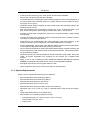
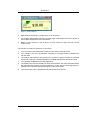
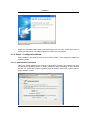
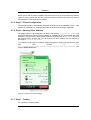
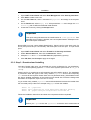
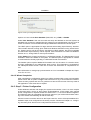
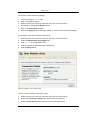
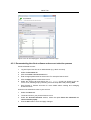
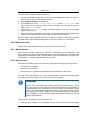
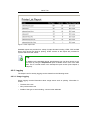
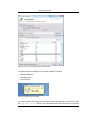
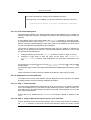
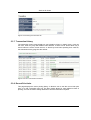
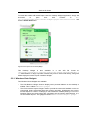
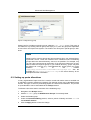
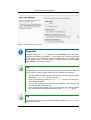
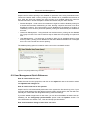
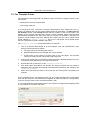
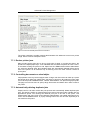
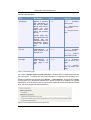
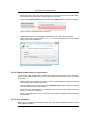
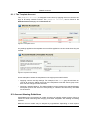
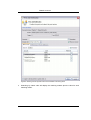
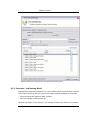
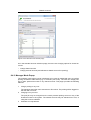
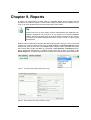
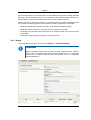
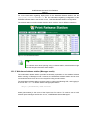
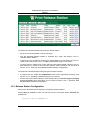
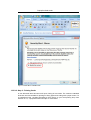
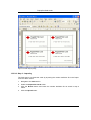
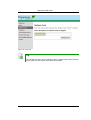
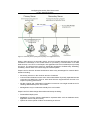
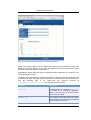
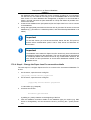
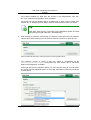
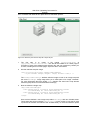
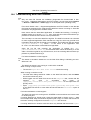
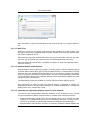
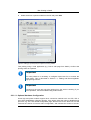
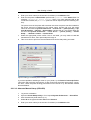
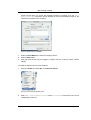
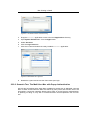
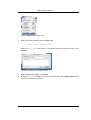
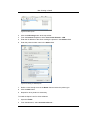
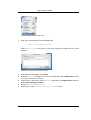
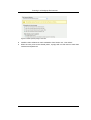
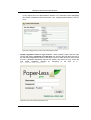
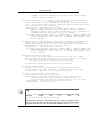
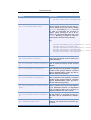
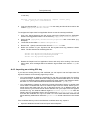
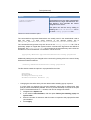
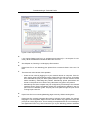
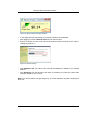
Figure 1.1. The user client tool
3.
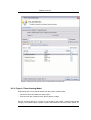
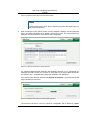
Matt prints the web page. 5 pages come out of the printer.
4.
The network administrator has set a cost-per-page inside Paper-Less on the printer at
$0.10. Matt's 5 page document costs $0.50.
5.
Matt's account balance is now at $4.00. He may continue to print until his account
drops to zero.
The teacher's perspective (allocation to accounts):
1.
John is a science and mathematics teacher at the same local high school.
2.
John needs to print out a presentation consisting of 122 page science worksheet for
his next class.
3.
The network administrator has granted John access to charge to either his personal
account or to either the Science Department or Math Department's shared accounts.
4.
John presses the Print button in the application.
5.
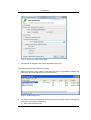
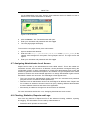
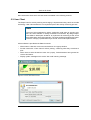
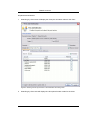
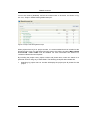
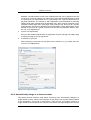
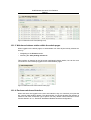
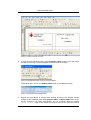
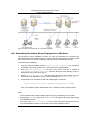
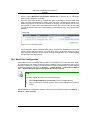
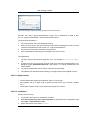
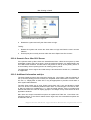
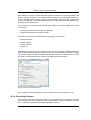
The Paper-Less client tool displays a popup and presents John with information about
the print jobs and requests an account selection. In this case accounts represent Departments but could also represent projects or other work areas.
6.
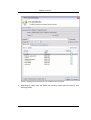
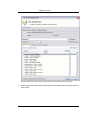
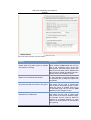
John selects the science department's shared account from the list.
5