1
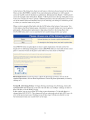
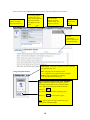
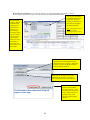
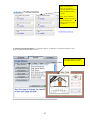
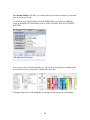
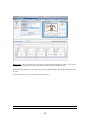
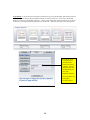
If you need to change the COLOR of the TEXT for any one of the fields, you can select
the FIELD you would like from the ACTIVE FIELD list and then click on the color you
would like:
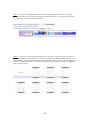
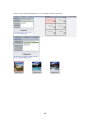
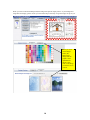
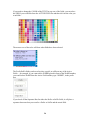
The mouse-over of the color will show what fields have been selected:
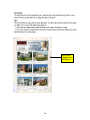
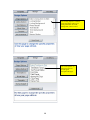
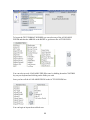
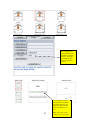
The Prefix/Suffix fields can be used to place a prefix or suffix on any of the Active
Fields….for example, if you want to have WEBID placed in front of the WebID number,
you would select WebID from the Active Field and they type “WEBID”, in the prefix
box.
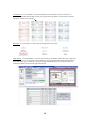
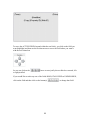
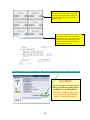
If you check off the Separator Box for either the Prefix or Suffix fields, it will place a
separator between what you want for a Prefix or Suffix and the actual field.
24