1
®
Planexa - User’s Guide
7.10.
Entering indicators manually
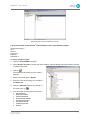
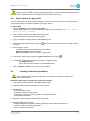
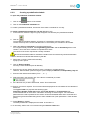
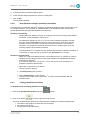
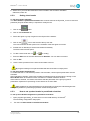
To enter the values of an indicator manually
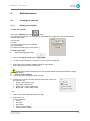
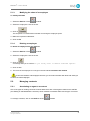
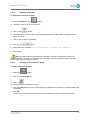
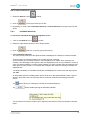
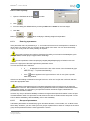
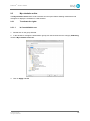
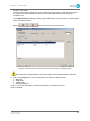
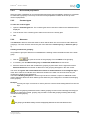
Select the Indicators tab of the
module
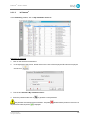
1. Select the relevant indicator from the list.
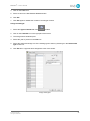
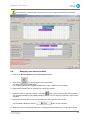
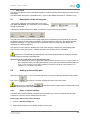
2. Click on the
icon.
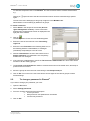
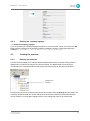
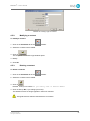
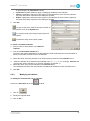
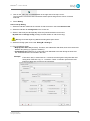
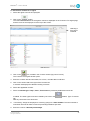
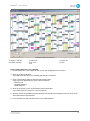
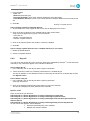
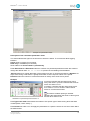
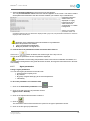
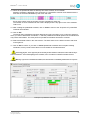
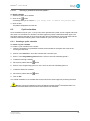
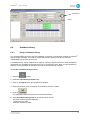
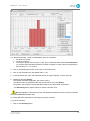
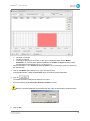
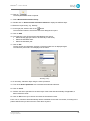
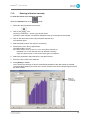
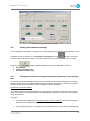
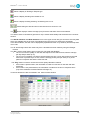
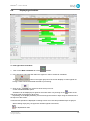
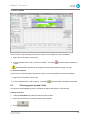
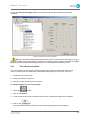
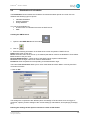
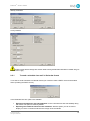
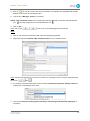
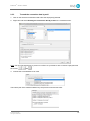
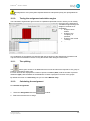
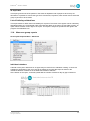
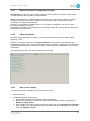
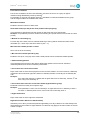
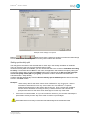
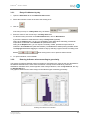
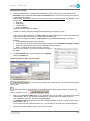
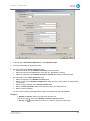
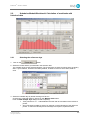
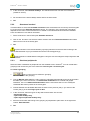
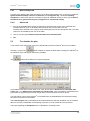
The Entry of indicators – dd mm yyyy window opens.
The name of the indicator concerned is displayed at the top central part of the window.
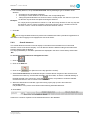
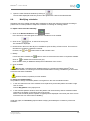
3. Click on the down arrow to the right of the date selection box.
The calendar opens.
4. Select the date for which the data is to be entered.
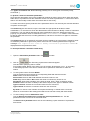
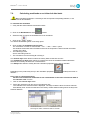
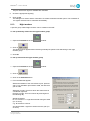
5. Set the Entry rate in the top right section.
The default step is ¼ hour.
If the Entry step is set to ½ hour or 1 hour, the system proposes to:
. Distribute over ¼ hour intervals if it is an indicator of activity.
. Copy the value on each ¼ hour for the other types of indicators.
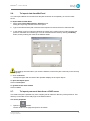
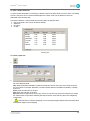
6. Select the required line (day start time) in the table of times.
7. Enter the correct value in the Data box.
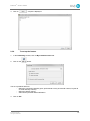
8. Press [Enter] to validate.
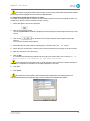
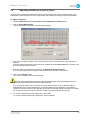
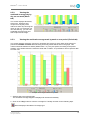
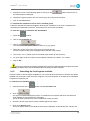
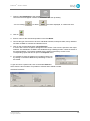
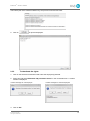
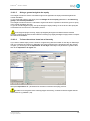
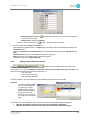
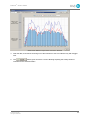
The Total day and Average of day are automatically updated as the data values are entered.
The graph takes shape in the center of the screen, and the name of the indicator appears at the
top of the window.
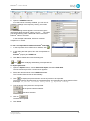
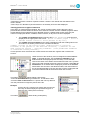
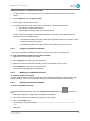
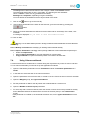
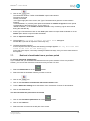
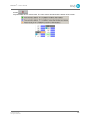
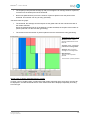
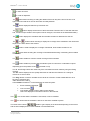
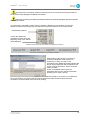
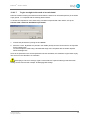
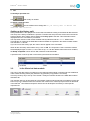
Button for
switching to
'Not entered'.
© 2012 Holy-Dis
All rights reserved
103