1
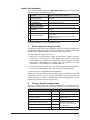
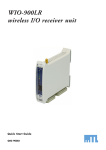
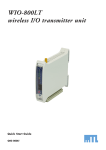
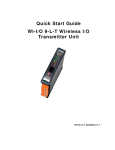
The front panel provides the following components:
SMA antenna connector
at top of unit
RS232 configuration port
Setpoint rotary
switch
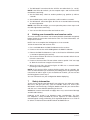
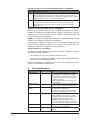
The triangle on the rotary switch indicates the current position, for example:
Position 0
or
Position 3
NOTE: To avoid damaging the rotary switch, use a screwdriver to change the
position.
The rotary switch uses the following setpoint levels:
Position
1
2
3
4
5
6
7
8
9
Lower level (mA)
4.8
6.4
8.0
9.6
11.2
12.8
14.4
16.0
17.6
Upper level (mA)
6.4
8.0
9.6
11.2
12.8
14.4
16.0
17.6
19.2
The LEDs on the front panel indicate the unit status:
4
LED Status
Indicates
None
No power supply.
OK Green
Current status of the unit OK.
OK Red
Fault condition detected in unit.
TX Flashes
Transmitting Message.
PG ON
Configuration Cable Connected.
QSG 900LT-1.7
Oct 2010