1
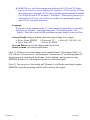
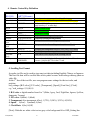
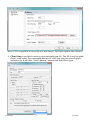
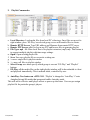
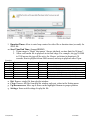
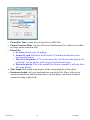
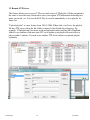
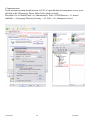
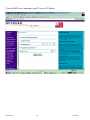
5) Remote Server has Fixed IP or Host Name selection. You can enter new Server’s IP address
if fixed IP. Or enter hostname (for example abc.blogdns.com) that CAT.exe is running.
6) Also you can change Client’s account name and password to match CAT’s client settings. So
Client device can log in to Server’s CAT program.
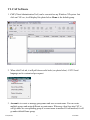
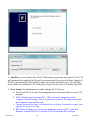
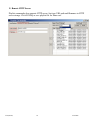
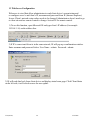
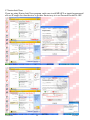
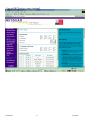
7) After all data is filled, click “Apply and Reboot”. IE will send a configuration file to client
device. After update into EEPROM, client will reboot and log in to new server IP. It will take 30
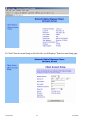
seconds for this reboot process. After 30 seconds waiting, click on “Client Status”. Client device
will send back status again for verification.
V3.0(06198)
22
9/16/2008