1
30 . Tools
Home > Tools
Tools
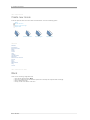
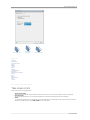
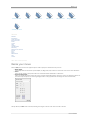
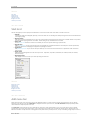
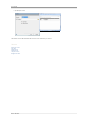
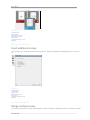
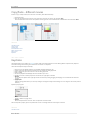
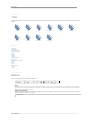
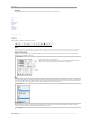
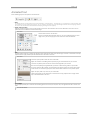
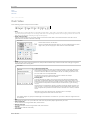
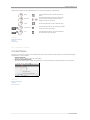
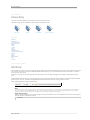
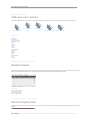
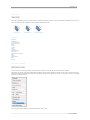
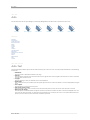
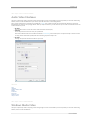
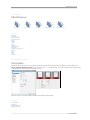
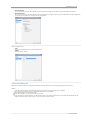
The following 'Objects' are available and can be found in both the Tools Panel and Timeline in Demo Builder. Click on an 'Object' below to view full
details.
Balloon
Note
Text
Animated Text
Image
Animation
Flash Video
Zoom Area
Rectangle
Ellipse
See also
Welcome
Introduction
Create new movie
Record the screen
Movie
Scenes
Cursors
Timeline
Transformations
Interactivity
Add voice‐over narration
Security
Auto
Export
Miscellaneous
FAQ
Contact
Home > Tools > Balloon
Balloon
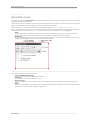
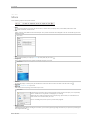
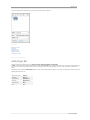
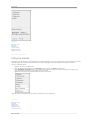
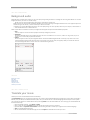
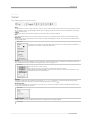
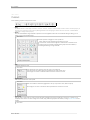
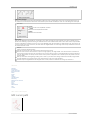
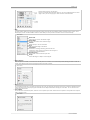
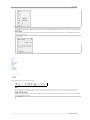
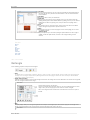
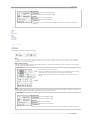
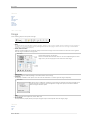
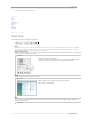
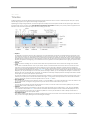
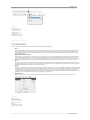
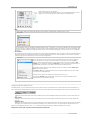
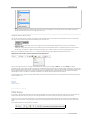
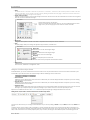
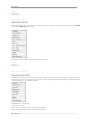
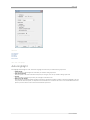
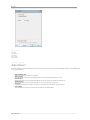
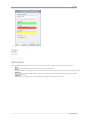
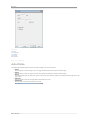
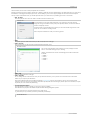
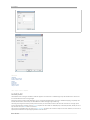
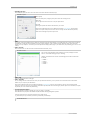
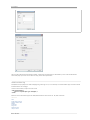
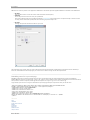
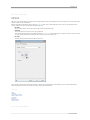
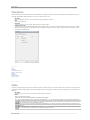
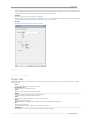
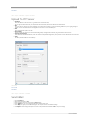
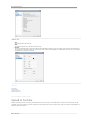
Set the following properties and options for Balloons:
1 2 3 4 5 6 7
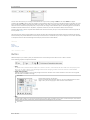
1. Name
The default name for a balloon is 'Balloon X' ﴾'Balloon 1', 'Balloon 2', 'Balloon 3', and so onward﴿, and this is visible in the name property of
the object. You can change a balloon's name by deleting the default name and typing in another one. Ensure the balloon is selected before
attempting to change its name property.
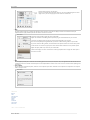
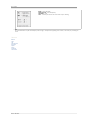
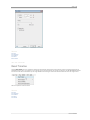
2. Rotate, Scale and Location
Adjust the rotational angles, scale or manually change the location of the balloon on the Canvas. Rotations on the X and Y‐axis are ignored
when the balloon is attached to the image.
Learn more...
Demo Builder