1
Getting Started
Custom Drillfiles
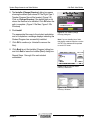
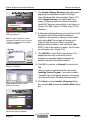
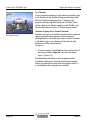
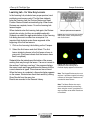
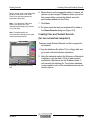
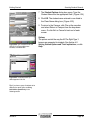
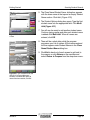
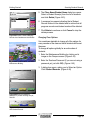
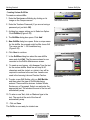
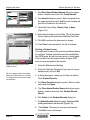
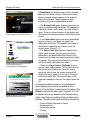
5. A New Drillfile dialog box will display. Enter a unique
name for this drillfile. An example might be Mrs.
Jones-Gr5 The name can be 1 - 30 characters long.
Click Save. (Figure 4.70)
Figure 4.70 Enter a unique, meaningful
name for the new Drillfile and click Save.
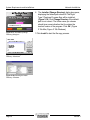
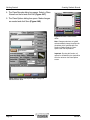
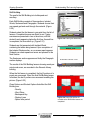
6. There will be a short delay while the program
processes your new drillfile. The new name entered
will then appear in the Drillfiles dialog box.
Note: Exercises exist within Drillfiles. You
can delete an Exercise without deleting
the whole Drillfile.
Note: If major changes are made to a
drillfile, significant confusion can result for
students who are already using that
drillfile. For this reason, it is not
recommended that you make major
changes except between school terms.
Minor changes should not cause any
difficulty.
Section 4
Page 67