1
EMA10 - USER MANUAL
11.11) RESET
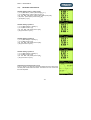
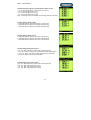
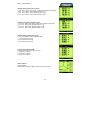
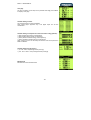
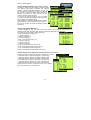
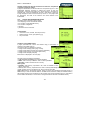
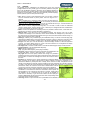
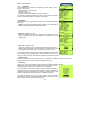
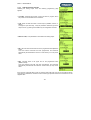
The Reset page allows to cancel some operation or the complete operation
of the setup system, reset modes are classified in four groups.
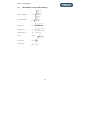
RESET MEASURES, reset all values or selected group of measure. In
particular:
• All, reset all of measures (minimum and maximum, energy counter, time
bands).
• Energies, reset total energy counters.
• TimeBands, reset time bands.
• Min/Max, reset minimums and maximums.
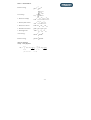
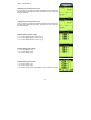
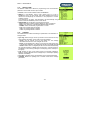
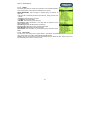
Reset Setup, delete all definition in the setup and the instrument come
back to default setup.
Reset Storage, delete all data stored in the memory.
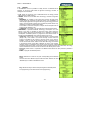
Reset Counter, delete all counters joined at digital inputs.
Reset Max.Demand, delete max demand values.
Reset Global, reset complete of the instrument (Setup, measures stored,
RAM).
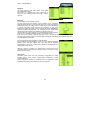
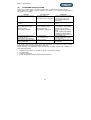
11.12) EXIT SETUP
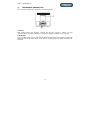
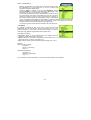
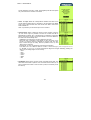
The last voice of the setup menu is “EXIT SETUP”, which allows the operator to leave the instrument
setup and go back to the “REAL TIME VISUALIZATION PAGES”.
Operator may also exit the setup by pressing simultaneously the “RIGHT & LEFT” button one or more
time depending of the branch in which you are.
-51-