1
Upgrading The Computer
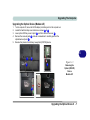
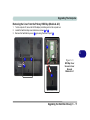
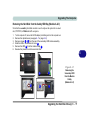
Removing the Cover from the HDD/ODD Bay (Model B)
1.
2.
3.
4.
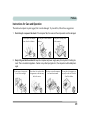
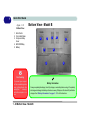
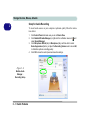
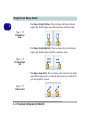
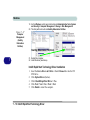
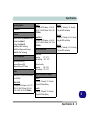
Turn the computer off, remove the AC/DC adapter (and battery) and turn the computer over.
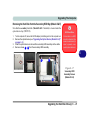
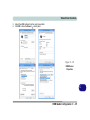
Locate the HDD/ODD bay cover and remove screws 1 - 3 .
Slide the cover in the direction of arrow 4 , until the case markers 5 line up.
Remove the HDD/ODD bay cover 6
4
5
6
1
2
3
Figure 6 - 7
HDD/ODD Bay
Cover Screws &
Cover Removal
Model B
5
6
6 - 12 Upgrading the Hard Disk Drive(s)