1
9.4.2 DATABASE
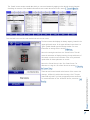
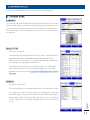
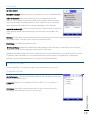
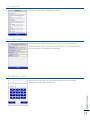
The TruCheck Rover™ stores all results within a database, so that results can be accessed
after all verifications are completed. By utilizing a database, the Rover allows you to print
or export verification reports on demand. The database is limited to the space allowed on
the Rover but can be cleared and reset whenever needed.
9.4.3 ADVANCED
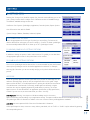
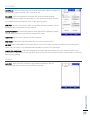
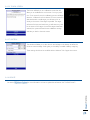
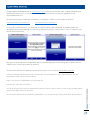
Advanced settings enable you to make initial setup that should not be changed routinely.
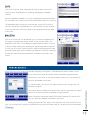
The printer type may be chosen to correspond to either a thermal receipt printer or a
dot-matrix receipt printer.
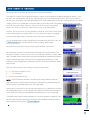
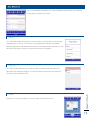
The Touch Screen setting is used to "calibrate" the position of the touch sensitive screen
to the displayed image.
The Battery section is used to control the low-battery cutoff value.
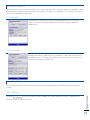
These areas of Advanced settings should be used only by Webscan personell or by users
who are in contact with Webscan Tech Support.
9.4.3.2 SYSTEM INFO
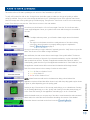
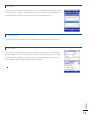
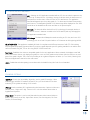
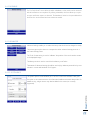
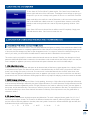
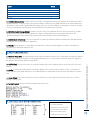
The system options screen will allow you to set the current time and date. It also gives
the option to set a camera timeout time frame and enable an automatic sleep mode. For
added security, a login timeout may also be added in this screen (not currently
supported).