1
LCC 300
20
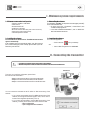
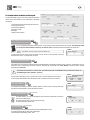
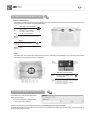
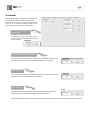
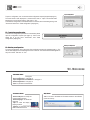
Open a configuration
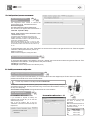
To open a configuration, click on the name of the configuration required (as explained page 17).
The name chosen is then displayed in a coloured zone. Click on "Open". The window shown
beside asks you to confirm the opening .Then click on “Yes”.
To transfer the configuration to a transmitter which is connected, click on the writing bar or go into
"Commands" and click on "Write configuration" (see page 18).
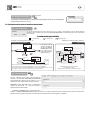
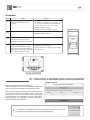
VI 3 - Transfering a configuration :
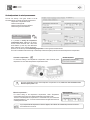
To transfer the configuration parameters to a transmitter, please
open the configuration required (see page 15). Click on the
writing bar or go into menu "Commands", then "Write
configuration" (see page 18).
Writing bar
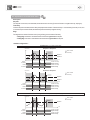
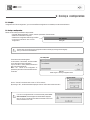
Deleting a configuration
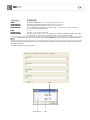
VI 4 - Deleting a configuration :
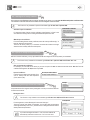
To cancel a configuration, click on the name of the configuration required (as explained page 17). The
name is then displayed on a blue blackground. Click on "Cancel". The window shown beside appears to
ask you to confirm. Then click on "Yes".
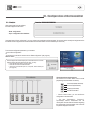
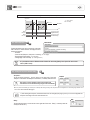
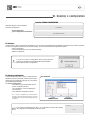
VII - Main menu
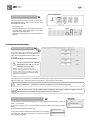
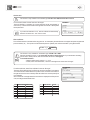
“Commands” Menu
"Read configuration" • see page 3
"Save configuration" • see page 16
"Open configuration from database” • see page 17
"Write configuration" • see page 15
"Quit” • to quit the LCC 300 software
“Parameters” Menu
“Help” Menu
"Select COM port" to modify the
communication port used.
"Select language" to choose the
language.
"Tips" to allow the display of
helping windows.
"Options" is exclusively used by
KIMO’s Aftersales Service.
"Info" to access to the details of information relative to the software
(name and version).