1
2
Hardware Installation
Jumper Settings
Clear CMOS Data
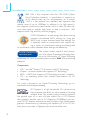
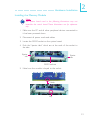
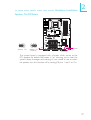
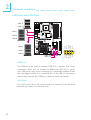
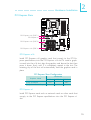
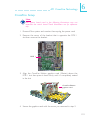
Clearing CMOS Data using JP2
JP2
X
1
2 3
1
2 3
1-2 On: Normal
2-3 On:
(default)
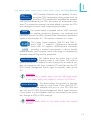
Clear CMOS Data
If you encounter the following,
a) CMOS data becomes corrupted.
b) You forgot the supervisor or user password.
c) The overclocked settings in the BIOS resulted to the system’s instability or caused system boot up problems.
you can reconfigure the system with the default values stored in the
ROM BIOS.
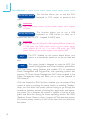
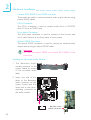
To load the default values stored in the ROM BIOS, please follow
the steps below.
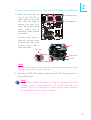
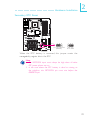
1. Power-off the system then unplug the power cord.
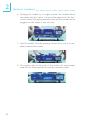
2. Set JP2 pins 2 and 3 to On. Wait for a few seconds and set JP2
back to its default setting, pins 1 and 2 On.
3. Now plug the power cord then power-on the system.
34