1
Chapter 3 — Configuring the 6820 Printer
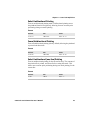
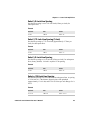
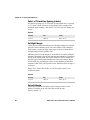
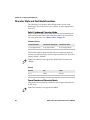
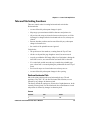
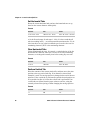
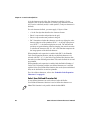
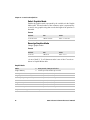
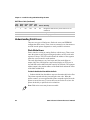
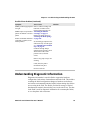
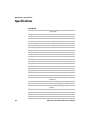
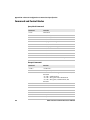
Default Printer Settings
Default Printer Settings
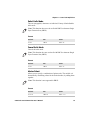
Settings
Value
Zero Print Option
Print zeros without a slash
Auto Feed Configuration
CR (carriage return at end of line
without line feed)
Protocol
NPCP
Parity
N/A (for NPCP)
Bit Rate
19.2 K (19200)
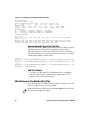
For other printer defaults, see “Factory-Installed Printer Defaults” on
page 143.
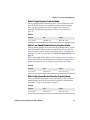
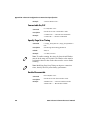
Error Messages
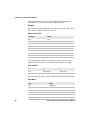
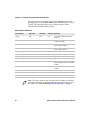
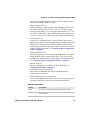
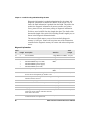
There are three instances when the 6820 may not connect to your PC. In
the example error messages, an “x” indicates the assigned COM port
number.
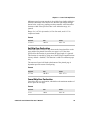
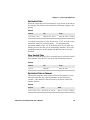
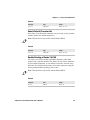
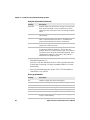
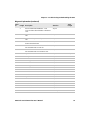
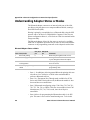
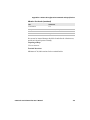
Error Messages
Error Type
Message
Cause
Timeout Error
Unable to open COM port x to
The timeout error may occur due to
printer. Printer not reset within either of these situations:
the time allowed or printer not
• The printer was not reset in the
connected to COM port x.
time allowed.
• The COM port exists on the
desktop computer but nothing is
connected to the port.
• The gray Bluetooth terminal
holder ribbon cable is not
disconnected from the bottom of
the printer.
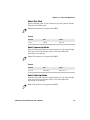
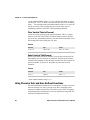
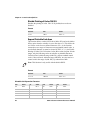
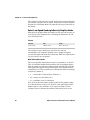
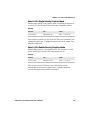
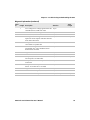
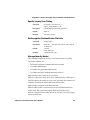
Port Not Found
Unable to open COM port x to
printer. COM port x cannot be
found.
6820 Series 80-Column Printer User’s Manual
The COM port does not exist. The
particular COM port is identified in
the error message.
33