1
ARM Embedded Tools Reference
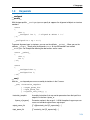
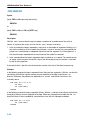
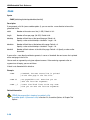
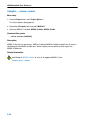
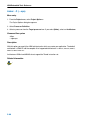
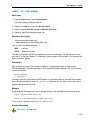
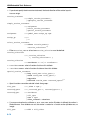
Compiler: −r (−−runtime)
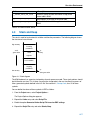
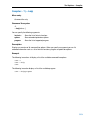
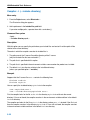
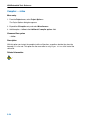
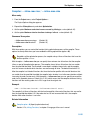
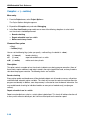
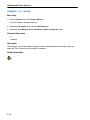
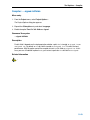
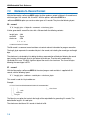
Menu entry
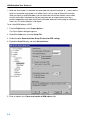
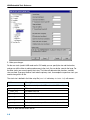
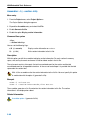
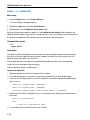
1. From the Project menu, select Project Options...
The Project Options dialog box appears.
2. Expand the C Compiler entry and select Debugging.
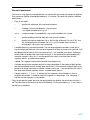
3. In the Run−time Checks group enable one or more of the following suboptions to select which
run−time checks should be performed:
• Bounds checking
• Report unhandled case in a switch
• Malloc consistency checks
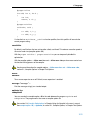
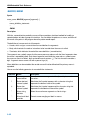
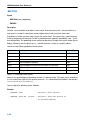
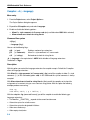
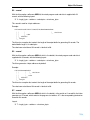
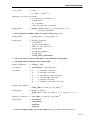
Command line syntax
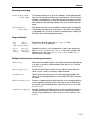
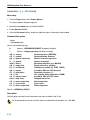
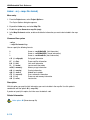
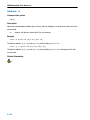
−r[flags]
−−runtime[=flags]
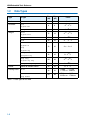
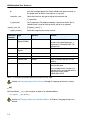
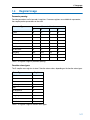
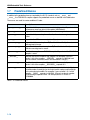
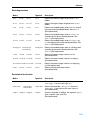
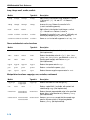
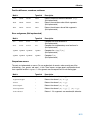
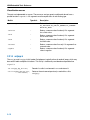
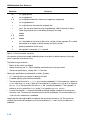
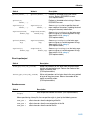
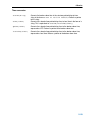
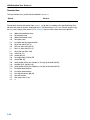
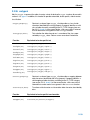
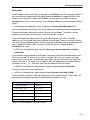
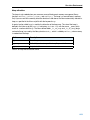
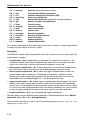
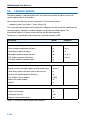
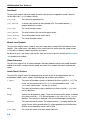
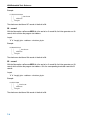
You can set the following flags (when you specify −r without flags, the default is −rbcm):
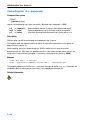
b/B
c/C
m/M
(+/−bounds)
(+/−case)
(+/−malloc)
bounds checking
report unhandled case in a switch
malloc consistency checks
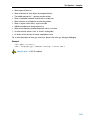
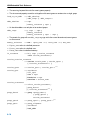
Description
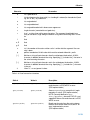
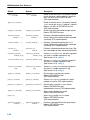
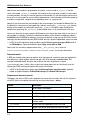
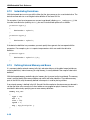
This option controls a number of run−time checks to detect errors during program execution. Some of
these checks require additional code to be inserted in the original application code, and may therefore
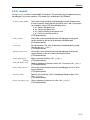
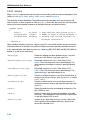
slow down the program execution. The following checks are available:
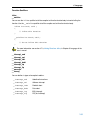
Bounds checking
Every pointer update and dereference will be checked to detect out−of−bounds accesses, null pointers
and uninitialized automatic pointer variables. This check will increase the code size and slow down the
program considerably. In addition, some heap memory is allocated to store the bounds information. You
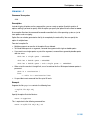
may enable bounds checking for individual modules or even parts of modules only (see #pragma
runtime).
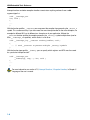
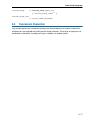
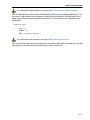
Report unhandled case in a switch
Report an unhandled case value in a switch without a default part. This check will add one function call
to every switch without a default part, but it will have little impact on the excution speed.
5−40