1
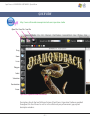
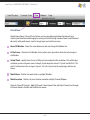
Spot Process SEPARATION SOFTWARE / Edit Menu
Edit Menu:
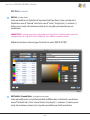
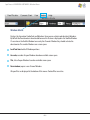
Change Ground Color
Allows you to change the background color on-screen to simulate print results on press or when
saving/printing color proofs. Custom makes a new temporary color. To Save a color use EDIT TEXTILE/GROUND COLOR located under the EDIT Menu.
IMPORTANT: For the best on-screen color adjustment control it is advised to use BLACK as a background as often as
possible. Changing background colors is great for printing color proofs and on-screen presentations, but using a black
background gives the best on-screen, color saturation preview, regardless of the color garment to be printed on.
Important Note: Adjustments made to a BLACK background will reproduce properly on all color garments on press. The
lighter and brighter the background becomes on-screen the more it effects the "visual" values of the color data but not
the "actual" values (density) which is why you have a Channel Data Densitometer. Black prevents ambient light from
surrounding the pixels and altering your perception of the color value. A density percentage does not change upon print
out regardless of the background color.
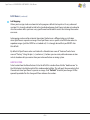
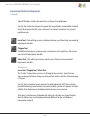
Deselect
To deselect any selected area (i.e. lasso, polygon or area selection).
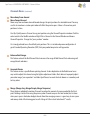
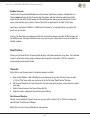
Inverse Selection
Inverts or Reverses the controlled area. (Command/Shift i) (Control/Shift i)
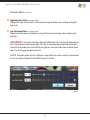
Delete
Deletes (removes/clears) data within a selected area.
–9–