1
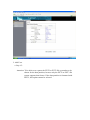
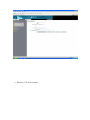
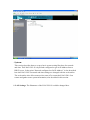
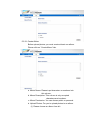
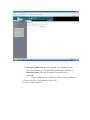
Attention: Changing the FTP servers port from 21 (default) to another value will
cause, that standard FTP client will not be able to access theI-NA312N1-S FTP
server, except the changed port number is configured in the FTP client
appropriately.
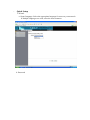
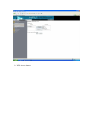
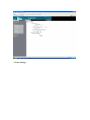
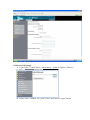
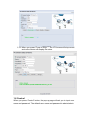
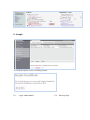
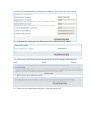
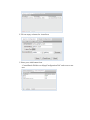
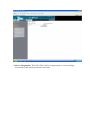
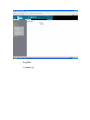
NFS Server Setting
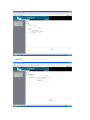
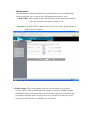
Here the NFS Server can be enabled or disabled.
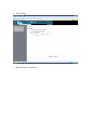
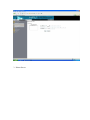
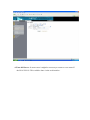
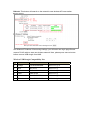
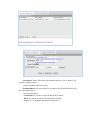
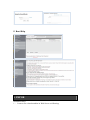
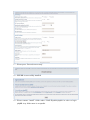
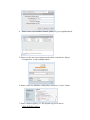
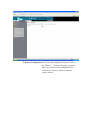
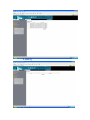
Guest Access Setting
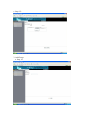
By default, theI-NA312N1-S has a preconfigured account for guest access
respectively--anonymous access. This means that via Windows share and FTP
there is a guest folder/share which could be accessed anonymously without a
user/password authentication.
Attention: Leaving the guest access enabled means a high level security risk
when theI-NA312N1-S is exposed to the internet or any public network. This can
lead to malicious abuse. If you expose theI-NA312N1-S to any public network, it
is strongly recommended to disable the Guest Access.
The reason why the default setting is enabled is to ensure that theI-NA312N1-S is
readily accessible when used the first time. In addition to enabling and disabling
that feature a Quota for that account could be defined for restricting the quantity of
disk used by users accessing theI-NA312N1-S via guest settings.
Attention: To be able to set a quote the EXT2 or EXT3 file system has to be
chosen for the data partition, because only the EXT2 or EXT3 file system supports
that feature. If the data partition is formatted with FAT32, this option can not be
selected.
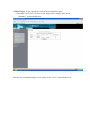
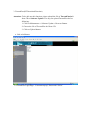
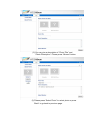
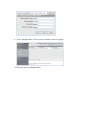
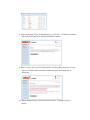
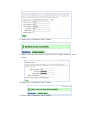
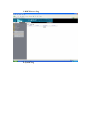
To save changes been made please click on the “Save” button.
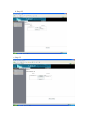
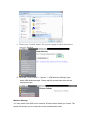
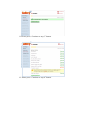
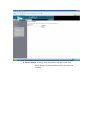
Character Set drop down list is for support multi-languages. If you prefer upload
a file name other than English, you can change the default language to your file
name’s language to avoid the file name display as garbage characters.