1
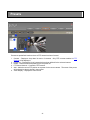
Add Emap
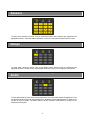
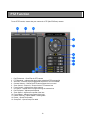
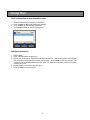
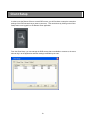
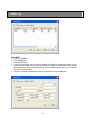
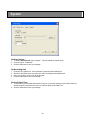
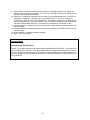
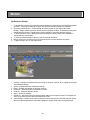
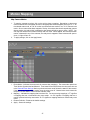
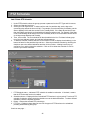
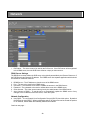
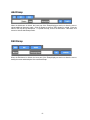
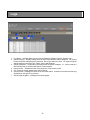
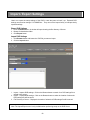
When the Add button is clicked, the lower part of the Emap displays a section to allow the user to
upload additional electronic maps. Click on Browse to select a JPEG image for upload. Enter the
name of the map and its description. To upload the map, click on the OK button. Otherwise, click
cancel to hide the Add Emap section.
Edit Emap
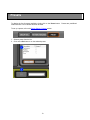
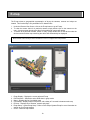
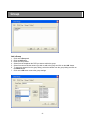
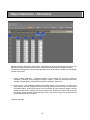
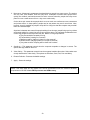
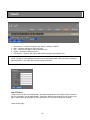
When the Edit button is clicked, the lower part of the Emap displays a section to allow the user to
modify the name and description of the selected Emap.
51