1
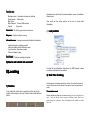
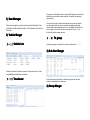
Function area
Manager center Information of users and vehicles
Report center
History data
Map Tools
Map Windows To select different map
System
Page style
Vehicle list All vehicle,group and user structures
Information area will show the position address, speed, coordinates,
directions,etc.
User could put the mouse pointer on the icon to show detail
information。
2) Last position
Map area Position be shown on map
Information area showing command and feedback information
Lastest information: updating position
Alarm information:Alarm information report
Log information: Operation recorder
Photo information:Image
Dash Board: Real-time tracking information
?
5)How to add vehicle into account
account?
II)Locating
To show the last information. Some times, the GSM network is weak
and system will report the last position.
3) Real Time Tracking
1) Position
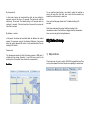
In the vehicle list, double click or select the vehicle, the vehicle
position will be shown on the map. Different color indicate different
status:
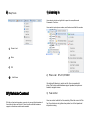
Sometimes user need keep watching a vehicle, this is real time tracking
function. Before we use this function, we need to know the transmission
mode.
Transmission mode
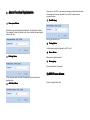
Device and server keep data communications all the time. And the device
send
back the data as server request by different mode. There's two
modes:by time or by distance. User could right click the vehicle in vehicle
list to set: