1
Getting started
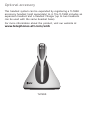
Headset base installation and battery charging
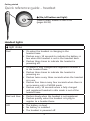
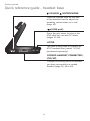
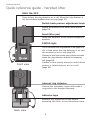
After installing the battery, charge the headset by placing it in
the magnetic charging mount as shown below. The light turns
on when the headset is charging.
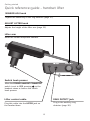
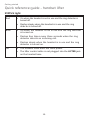
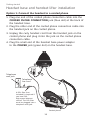
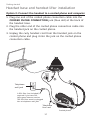
1. Plug the small end of the headset base power adapter into
the POWER jack (green dot) at the back of the headset base.
Plug the large end into an electrical outlet not controlled by a
wall switch.
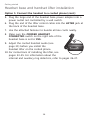
2. Insert the headset into the
magnetic charging mount.
3. The magnet holds the top
of the headset in place.
The light turns on.
Magnetic
charging
mount
IMPORTANT INFORMATION
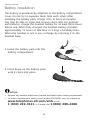
Use only the supplied rechargeable battery pack or replacement
battery pack (model BT191665). To order, visit our website at
www.telephones.att.com/smb or call
1 (800) 222-3111. In Canada, dial 1 (866) 288-4268.
13