1
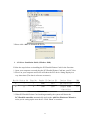
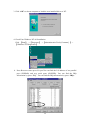
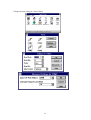
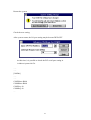
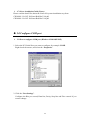
3.Please click “OK” to uninstall the device.
¾ 4.2 Driver Installation Guide (Windows 2000)
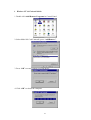
Follow the steps below on installing the PCI Parallel Printer Card for the first time:
1. Open your computer case and plug the PCI Parallel Printer Card into your PCI slot.
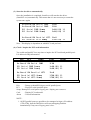
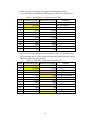
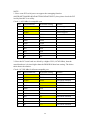
2. Power on your computer and screen will show the PCI device listing display in a
very short time (The data is reference resources).
Bus No Device No
Func No
Vendor ID Device ID
Device Class
IRQ
0
7
1
8086
7010
IDE Controller
14
0
13
0
1409
7268
Simple COMM.
10
Controller
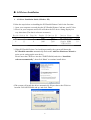
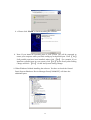
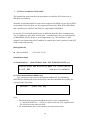
3. When PCI Parallel Printer Card working normally, the system will detect the
PCI Parallel controller automatically and run the Add New Hardware Wizard to
assist you in setting up the new device. Click “Next” to continue.
11