1
<Note>
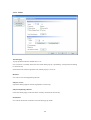
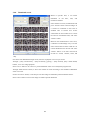
The below table shows the number of channel by each resolution with MPEG4 Stream which can be monitoring
from Control Center Program.
Resolution
Number of Channel
QCIF
32
CIF
8
HALF
4
FULL
2
(* In case of each stream with 30ips)
In case of MPEG4 Streaming from Control Center Monitor Program, It supports up to 60ips with full size
monitoring. And it will output each picture per second In case of user request more than 3 with full resolution.
The Control Center Program will not support maximum image output (support one picture per second), if the user’s
PC has lack of performance.
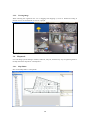
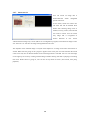
2.5.9. Event
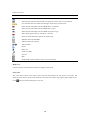
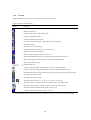
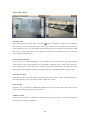
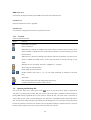
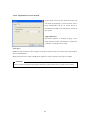
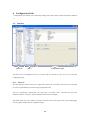
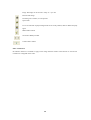
When the “MD” occurs,
icon will appear. When the sensor is on,
icon will appear with sensor
number.
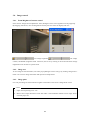
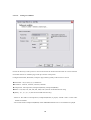
2.5.10. Saving image
Saving live image
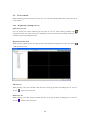
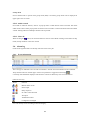
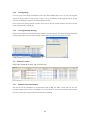
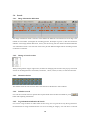
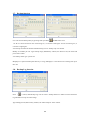
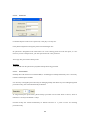
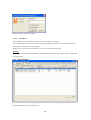
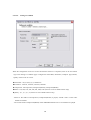
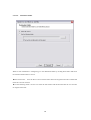
Select “REC Start” from the pop up menu or click recording button
. The recording hour is also put on
record. The maximum storage hour is 10 minutes. User can set drive to store in REC tap of the “Tools>
Options” menu.
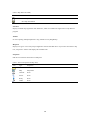
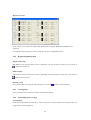
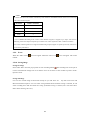
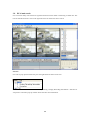
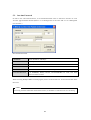
Saving still image
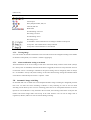
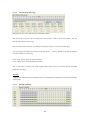
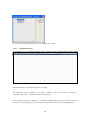
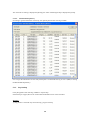
User can save current image as file format of bmp or eye with “Save As".
Eye file can be seen with
Microsoft Internet Explorer. User can select saving method and if automatic saving is selected, he can
select recording drive and file format for saving (If manual saving is selected, user will select above
detais when selecting “Save As”)
21