1
Accepting the License Agreement
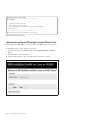
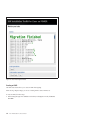
When the Welcome Center is started for the first time after boot, the first window displayed is the
License Agreement. You need to read and accepted before proceeding.
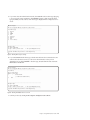
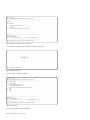
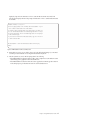
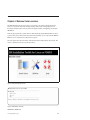
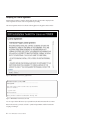
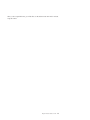
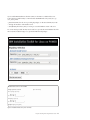
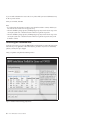
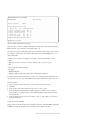
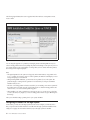
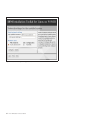
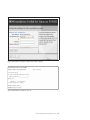
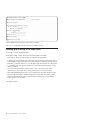
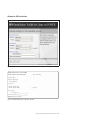
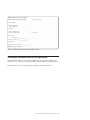
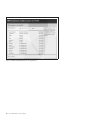
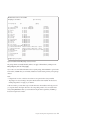
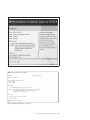
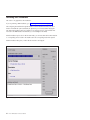
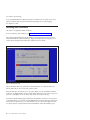
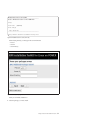
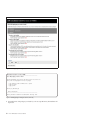
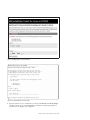
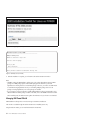
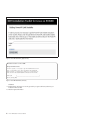
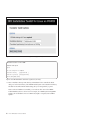
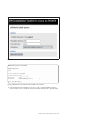
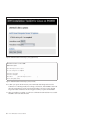
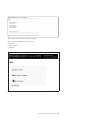
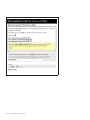
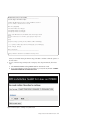
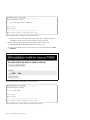
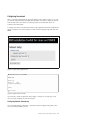
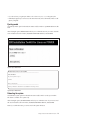
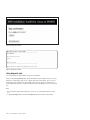
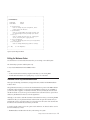
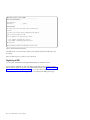
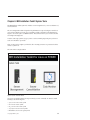
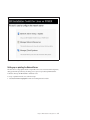
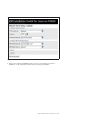
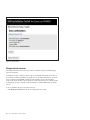
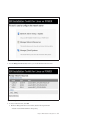
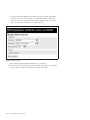
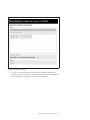
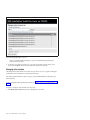
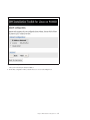
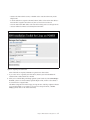
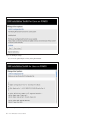
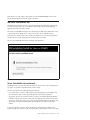
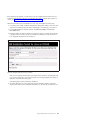
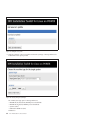
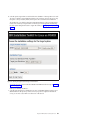
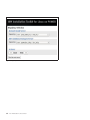
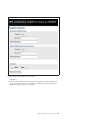
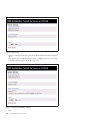
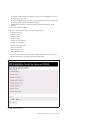
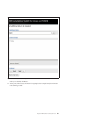
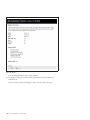
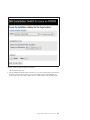
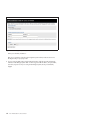
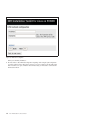
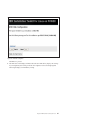
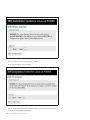
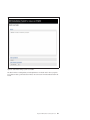
The License Agreement window looks like the following figures in both graphics and text modes.
Figure 16. IBM Installation Toolkit License, graphical mode
IBM Installation Toolkit for Linux on POWER
.........................................................................
License Agreement
Click on the [+] below in order to read the license. Only after that the
controls will be enabled.
* [+] View License
Actions Accept Decline
.........................................................................
Home=top End=bottom Tab=nextlink Esc+Tab=backlink Arrow keys Enter
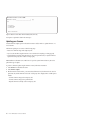
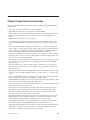
Figure 17. IBM Installation Toolkit License, text mode
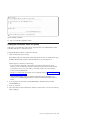
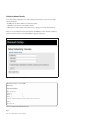
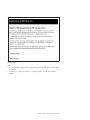
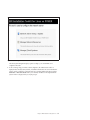
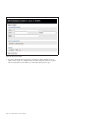
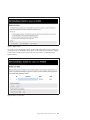
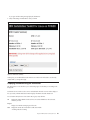
You can accept or decline the license. If you reject the license, the Welcome Center will not continue.
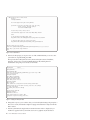
Note: In the text mode, you need to select the + symbol and press Enter to read the license before
accepting or declining it.
22
Linux: IBM Installation Toolkit User Manual