1
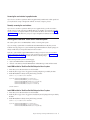
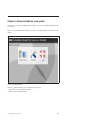
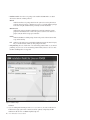
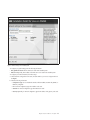
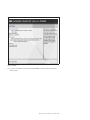
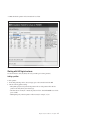
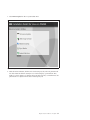
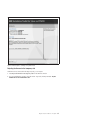
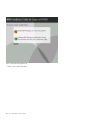
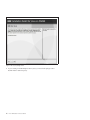
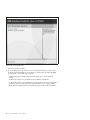
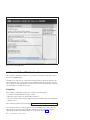
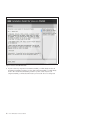
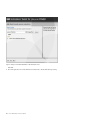
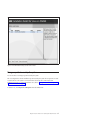
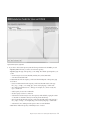
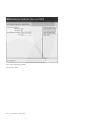
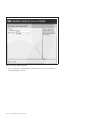
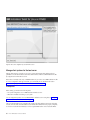
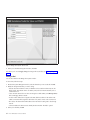
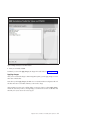
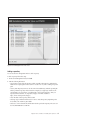
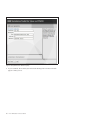
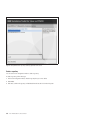
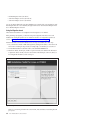
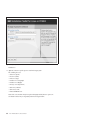
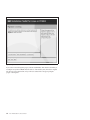
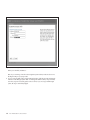
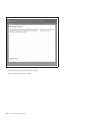
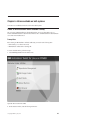
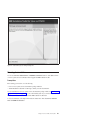
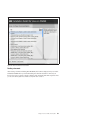
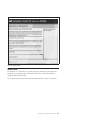
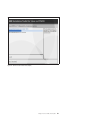
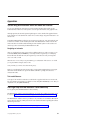
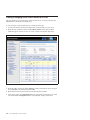
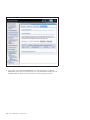
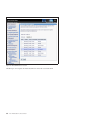
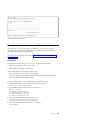
Figure 7. Network settings for the installed system
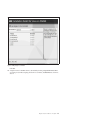
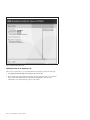
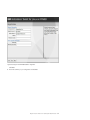
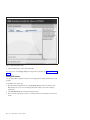
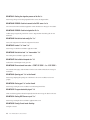
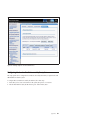
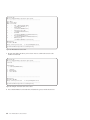
To configure your global settings, enter the following information:
v Fully qualified hostname: The hostname to be used in the installed system.
v DNS server: Optionally, the IP address of the DNS server to be used in the installed system.
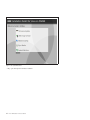
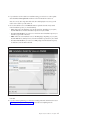
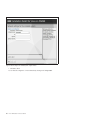
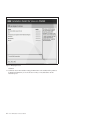
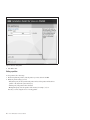
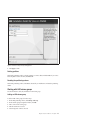
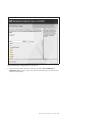
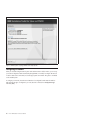
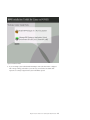
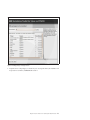
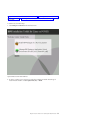
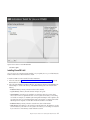
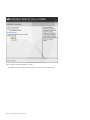
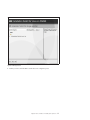
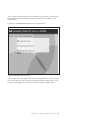
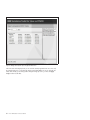
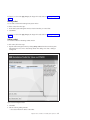
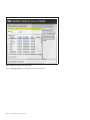
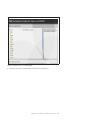
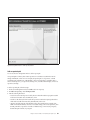
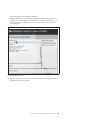
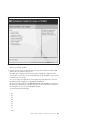
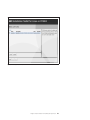
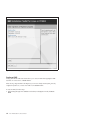
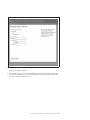
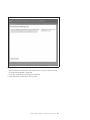
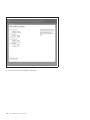
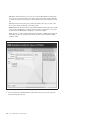
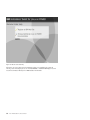
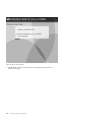
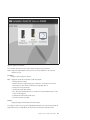
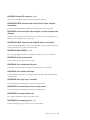
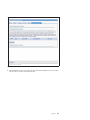
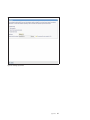
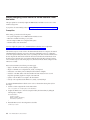
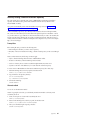
To configure your network interface, follow these steps:
a. On the Network configuration main screen, select the interface you want to configure and click
Configure.
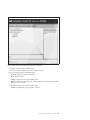
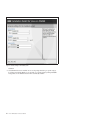
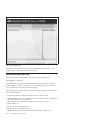
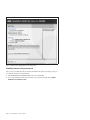
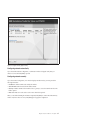
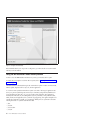
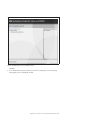
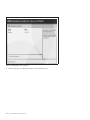
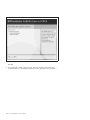
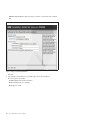
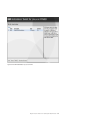
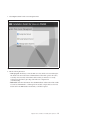
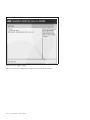
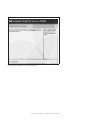
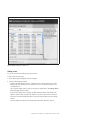
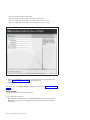
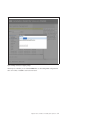
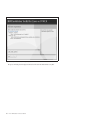
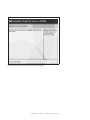
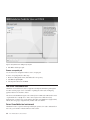
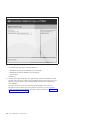
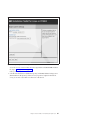
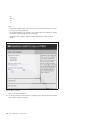
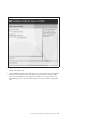
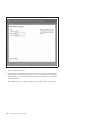
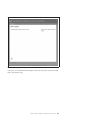
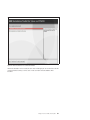
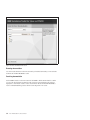
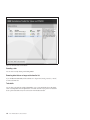
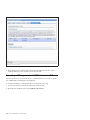
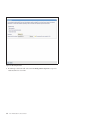
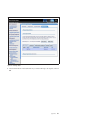
b. Enter the following information:
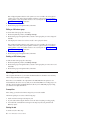
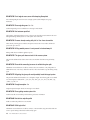
v Configuration type: Choose whether the interface will be Disabled, Automatic-ally (DHCP) or
Manual-ly configured.
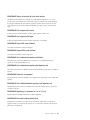
v IP: For manual configuration, type the IP address to be used.
v Netmask: For manual configuration, type the netmask to be used.
v Gateway: Optionally, for manual configuration, type the IP address of the gateway to be used.
Chapter 3. Actions available on a live system
19