1
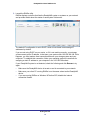
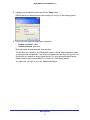
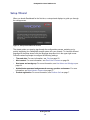
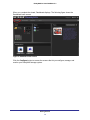
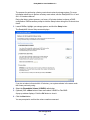
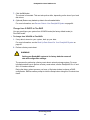
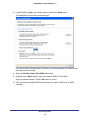
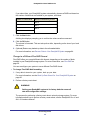
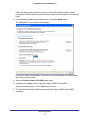
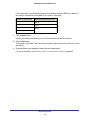
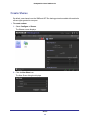
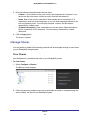
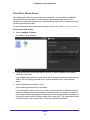
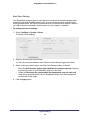
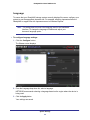
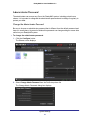
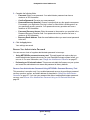
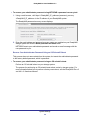
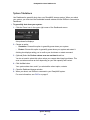
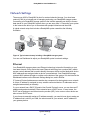
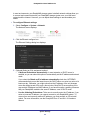
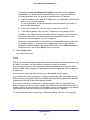
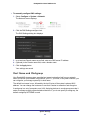
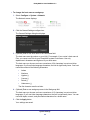
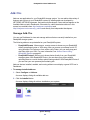
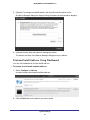
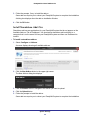
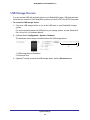
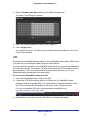
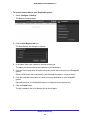
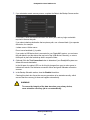
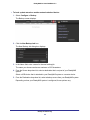
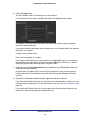
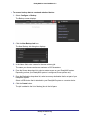
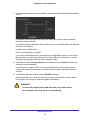
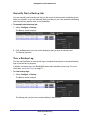
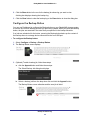
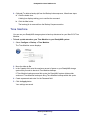
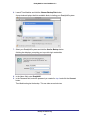
ReadyNAS for Home RAIDiator 5.3 Fine-Tune Share Access Use Dashboard to fine-tune how shares can be accessed. You can enable or disable all file-sharing protocols and grant or restrict access rights for each share and user. For example, you might want to grant a user read/write access rights on one share but read-only access rights on another share. For more information about creating and managing users, see Chapter 4, Users Accounts. To fine-tune share access: 1. Select Configure > Shares. The Shares screen displays. 2. (Optional) Slide the Share Access slider so that Off is visible to disable the file-sharing protocols on this share. If you disable these protocols, no one will be able to remotely access this share using the SMB or AFP file-sharing protocols from a network-attached device (like a laptop or tablet). 3. (Optional) Adjust access rights for users. These access rights apply only to this share. If you select the Everyone check box, you can create exceptions for individual users by selecting a different access rights check box for those users. For example, the figure in step 1 shows that the administrator set permissions for the media share as read-only for everyone but selected the Read/Write check box for user Dixie. This means that all users except Dixie have read-only permission. Dixie has read/write permission. Shares 34