1
Evaluating images
Reviewing Images
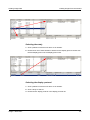
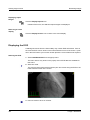
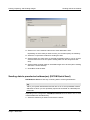
5. Release the mouse button.
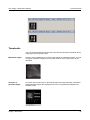
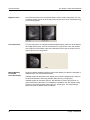
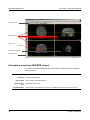
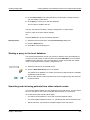
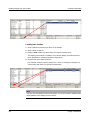
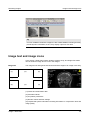
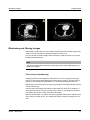
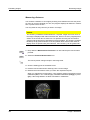
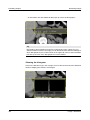
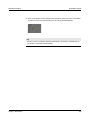
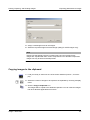
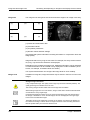
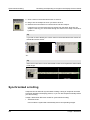
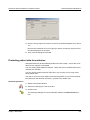
An information box pops up at the end point of the density profile line. The info
box shows the minimum and maximum pixel intensity along the line and a histogram.
Tip
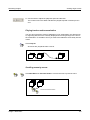
In order to move or resize a density profile line, proceed in the same way as you
would for a distance measurement.
Pixel lens
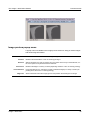
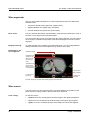
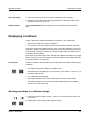
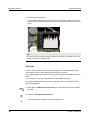
You can use the pixel lens to measure the brightness of individual pixels of grayscale images, which is then displayed as a measure of density.
To be able to position the pixel lens precisely, the image must be displayed in 1x1
layout.
In CT images, the density is stated directly in Hounsfield units (HU).
For images transferred with lossy image compression and color images, density
cannot be measured.
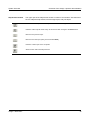
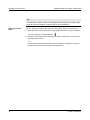
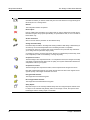
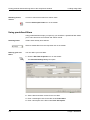
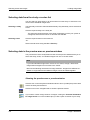
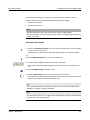
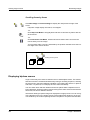
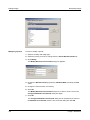
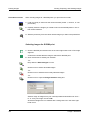
1. Drop down the Measurement Functions icon bar and keep the mouse button
pressed.
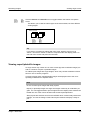
2. Select the Density Measurement icon.
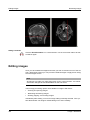
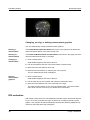
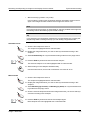
The mouse pointer changes shape in the image area.
188
Visage 7 Web Client