1
Searching by Source How to Use the ARN to Locate an Article
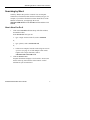
4.
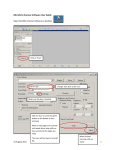
ProQuest Searchware automatically displays the contents of
the selected journal issue as the Search Results list, with the
article corresponding to the ARN you entered highlighted.
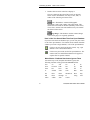
5.
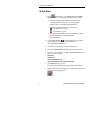
Click one of the delivery method icons at the right of the
window to display, print (local or network), PowerPages
print, or PowerPages fax the selected article image. (Not all
delivery methods will be available for all article in the
database. Unavailable delivery methods appear dimmed.)
ProQuest Searchware User’s Guide
17