1
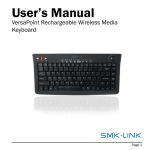
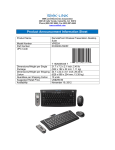
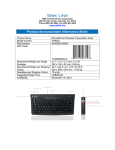
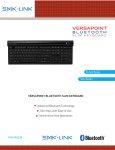
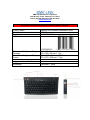
Rechargeable Media Keyboard with Mouse Cursor Control Features
• Earth-friendly design eliminates the need to replace disposable batteries
• Never lose productivity due to power-out or dead batteries
• Keyboard conveniently recharges via included charging cable while in use
• Designed with auto sleep mode helps conserve battery power
• Built-in LED power-low indicator to signal when to recharge
• Ideal for institutions and individuals that are conscious about saving
operating costs and reducing hazardous waste to the environment
• Slim key construction features reduced key travel distance and minimizes
finger fatigue
• Built-in 8 preprogrammed media hot keys enhance productivity: Internet,
Previous/Backward, Next/Forward, Stop, Play/Pause, Mute, Volume Down,
Volume Up
• Built-in optical trackball provides convenient cursor control
• Integrated mouse buttons with scroll wheel offer full-function mouse
controls all on the keyboard
Professional-grade Presentation Remote with Green Laser Pointer
• Built-in green laser pointer with 10x brightness of conventional red laser
pointer offers green highlight visible from distance away and shows on
bright screens
• Integrated complete mouse functionality offers total control
• Four programmable buttons can be customized to send any key
combinations for the ultimate ease of use
True Plug-and-Play for Ease of Use
• The 2.4 GHz radio frequency is preset to eliminate the need for pairing
• All functions are built-in therefore no need to install software driver
• True plug-and-play means the device can work instantly upon connecting
to the computer without having to perform tedious setup
SPECIFICATIONS
Product Specifications
• Connectivity: 2.4GHz RF wireless technology
• System requirements:
o Windows XP, Vista, Windows 7
o 2 USB ports: 1 for receiver dongle, 1 for charging the keyboard
• VersaPoint Keyboard:
o Transmission range: up to 100-foot/30-meter
o Slim full-pitch keycap construction with QWERTY 88-key layout
o 8 hot keys: Internet, Previous/Backward, Next/Forward, Stop,
Play/Pause, Mute, Volume Down, Volume Up
o Cursor controls: