1
Freescale Semiconductor, Inc.
GRAPHICAL USER INTERFACE
2.3.7.3
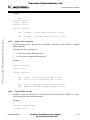
Drag And Drop
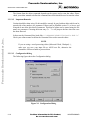
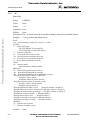
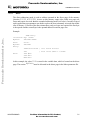
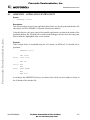
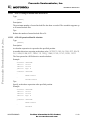
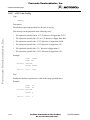
Use the “drag and drop” feature to “drag” a file from an external source and “drop” it into the
Assembler Window. A file dropped in the Assembler Window is immediately assembled
unless the file has an “.ini” extension. Files with an “.ini” extension are considered
configuration files and are immediately loaded, not assembled. To assemble a source file with
an “.ini” extension, use the Editable Combo Box, or the Assemble item from the File
Menu.
Freescale Semiconductor, Inc...
2.3.8
Error Feedback
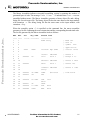
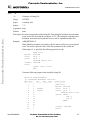
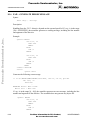
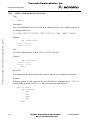
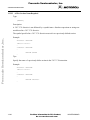
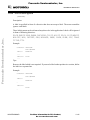
After a source file has been assembled, you can view the detected errors and warnings in
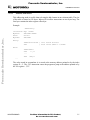
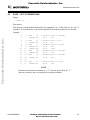
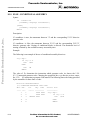
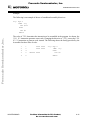
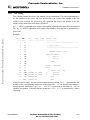
several ways. The error message format is:
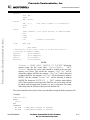
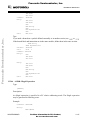
‘>> <FileName>, line <line number>, col <column number>, pos <absolute position in file>
<Portion of code generating the problem>
<message class> <message number>: <Message string>‘
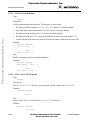
Example:
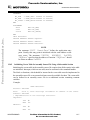
>> in “C:\DEMO\fiboerr.asm”, line 76, col 20, pos 1932
BRA label
^
ERROR A1104: Undeclared user defined symbol: label
2.3.8.1
Error Feedback Using Information From The Assembler Window
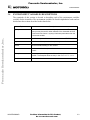
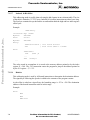
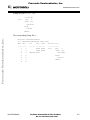
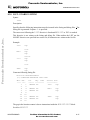
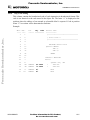
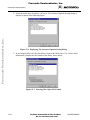
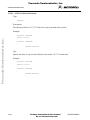
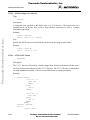
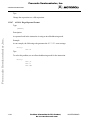
Once a file has been assembled, the Assembler Window Content Area displays a list of all the
errors or warnings detected. Any editor can be used to open the source file and correct errors.
2.3.8.2
Error Feedback From A User-Defined Editor
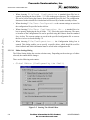
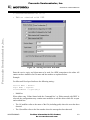
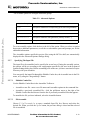
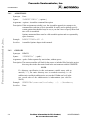
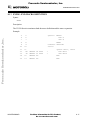
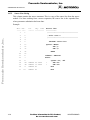
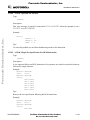
The editor for Error Feedback must be configured through the MCUez Shell or the
Configuration dialog box. The Error Feedback process differs from editor to editor, depending
on the editor’s ability to start from a line number in the Command Line.
2.3.8.2.1
Editors That Can Start With A Line Number On The Command Line
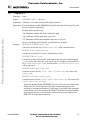
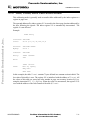
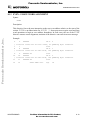
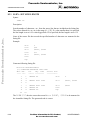
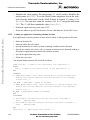
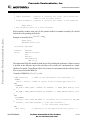
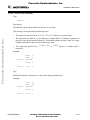
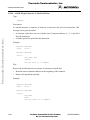
Editors like Motpad, WinEdit (v.95 or higher) or Codewright can be started with a line
number in the command line. When these editors have been correctly configured, they can be
activated automatically by double clicking on an error message. The configured editor will be
started, the file where the error occurs is automatically opened and the cursor is placed on the
line where the error was detected.
2-14
For More Information On This Product,
Go to: www.freescale.com
MCUEZASM08/D