1
KI-Tool And KI-Link Software User's Manual
Section 4: KI-Link
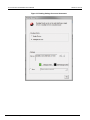
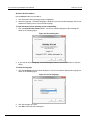
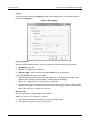
Get Single Reading
Use Get Single Reading to obtain a single reading from the instrument and select the cell in which to
save the reading.
Click the Get Single Reading
icon to display the Get Single Reading dialog box.
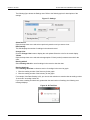
Figure 34: Get Single Reading
Logging Charts
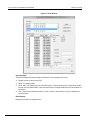
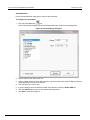
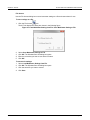
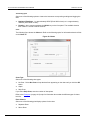
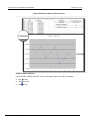
Use Logging Charts to set up data logging and display it on a chart.
Click the Logging Charts
icon.
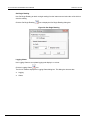
The KI-Link software displays the Logging Charts dialog box. This dialog box has two tabs:
•
•
Logging
Charts
2110-921-01 Rev. A / July 2012
4-9