1
Section 3: KI-Tool
KI-Tool And KI-Link Software User's Manual
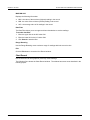
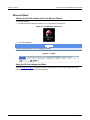
Refresh
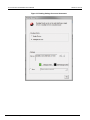
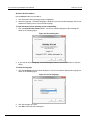
If you connect additional instruments to your computer after starting the KI-Tool software, click
Refresh to add them to the instrument list.
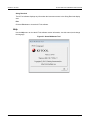
Exit
Click the Exit button to close the KI-Tool software.
Record
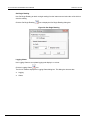
Use the Record menu to view and chart previously saved records. Refer to Save (on page 3-17) for
information about saving records.
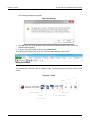
The Record menu has two selections:
•
•
View Record (on page 3-18)
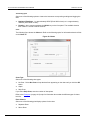
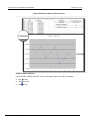
Chart Record (on page 3-20)
View Record
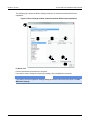
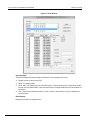
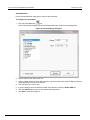
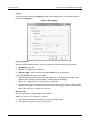
Use the View Record selection to view previously saved records.
The KI-Tool software displays a maximum of 10 previously recorded readings on the Record List.
Click a record to select and display it.
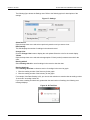
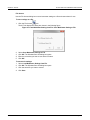
Use the buttons in the View Record dialog box to perform the following operations on the records:
•
•
•
3-18
Refresh Record - Update the display.
Delete - Delete a saved record.
Output to CVS - Export the saved record to CSV format. Microsoft Excel uses this format.
2110-921-01 Rev. A / July 2012