1
Digital Projection E-Vision
8000 series USING THE REMOTE CONTROL
Operating Guide
Using the Remote Control
Notes
Some options and controls may not
be available due to settings in the
menus.
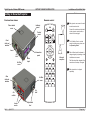
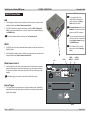
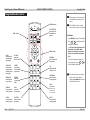
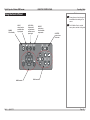
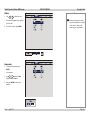
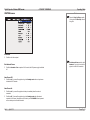
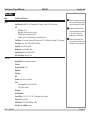
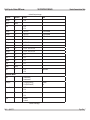
POWER controls
LENS controls
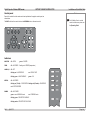
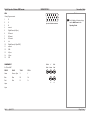
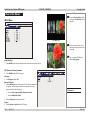
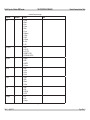
TEST PATTERN:
select from a list
of available test
patterns
For full details of how to use the
menu system, see later in this guide.
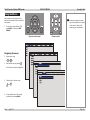
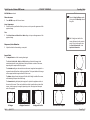
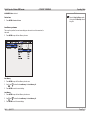
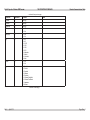
Test Pattern
•
Press ENTER to display a Test Pattern.
•
Use
or
to scroll through the
following Test Patterns:
... Off, Colour Bars, Alignment Grid,
Burst, Red, Green, Blue, White,
Black, Corrected Red, Corrected
Green, Corrected Blue, Greyscale,
Off ...
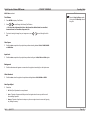
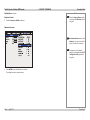
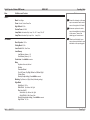
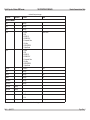
MENU controls
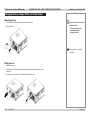
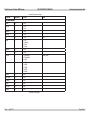
INPUT:
select from the
available video
input signals
PICTURE:
opens the
Picture menu
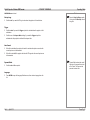
AUTO SYNC:
Projector will
re-synchronise
with the current
input signal
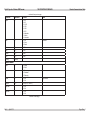
ASPECT:
select from a
list of available
aspect ratios
OVERSCAN:
select from Off
Crop or Zoom
FREEZE:
freeze the
current image
frame
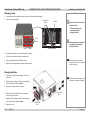
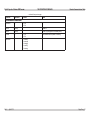
3D MODE:
has no function
on this projector
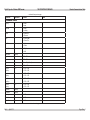
INFO:
opens the
Service menu
LIGHT:
illuminates the
buttons on the
remote control
for 10 seconds
CLEAR:
has no function
on this projector
SHUTTER:
opens or closes
the shutter
ID SET:
has no function
on this projector
Rev A
April 2012
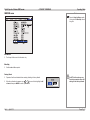
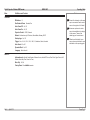
NETWORK:
has no function on
this projector
PIP:
switches the PIP
image on or off
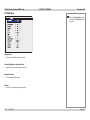
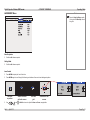
LAMP MODE:
has no function
on this projectorl
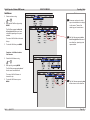
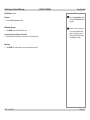
•
To return to viewing the image from
your image source, use
or
to
scroll through the list to Off.
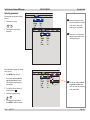
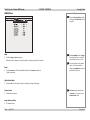
To protect the lamps from thermal
shock, it will not be possible to
change the Lamp Mode more than
once within five minutes.
Page Op_1