1
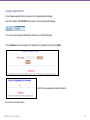
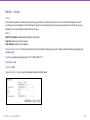
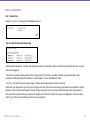
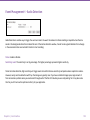
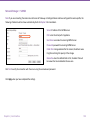
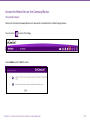
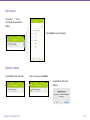
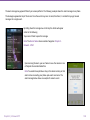
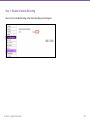
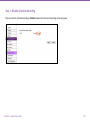
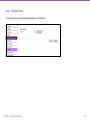
Event Management>> Schedule Recording
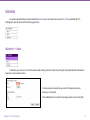
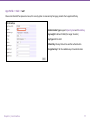
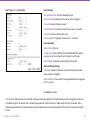
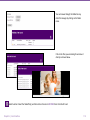
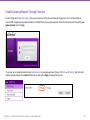
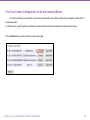
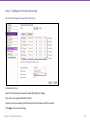
Enable Schedule Recording for proceeding the succedding settings.
Note: Please disable Event/Alarm ahead of configuring Schedule Recording.
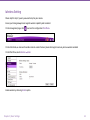
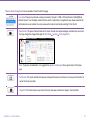
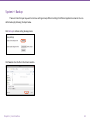
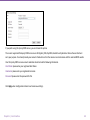
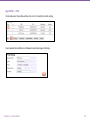
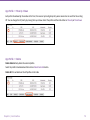
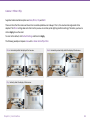
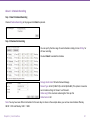
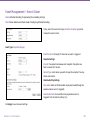
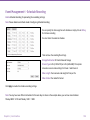
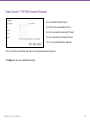
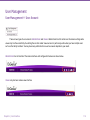
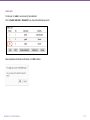
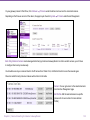
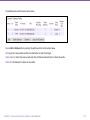
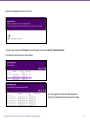
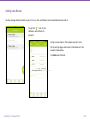
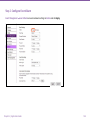
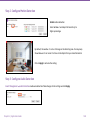
You can specify the time range for each schedule or simply click on All Day
for 24-hours recording.
You must Select to enable to schedule.
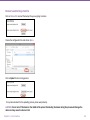
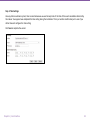
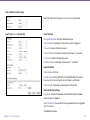
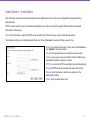
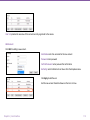
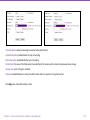
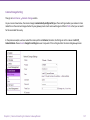
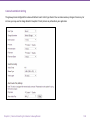
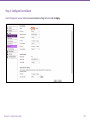
Then continue the recording file settings.
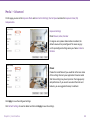
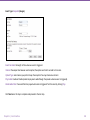
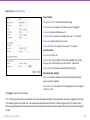
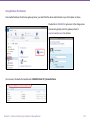
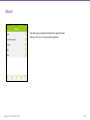
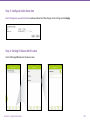
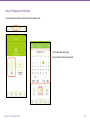
Storage Destination: SD Card or Network Storage
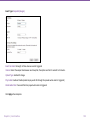
Stream Type: H.264 (1280x720) or H.264 (640x480). This options
is based on current video settings for Stream 1 and Stream 2.
Video Length: the maximum video length of time per file
Video Format: the media file format.
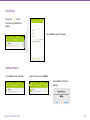
Click Apply to enable the schedule recording settings.
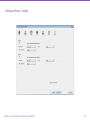
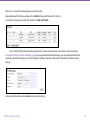
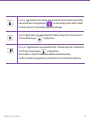
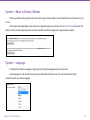
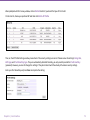
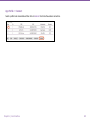
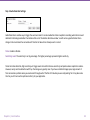
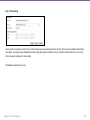
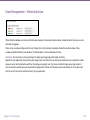
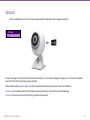
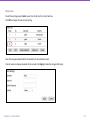
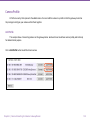
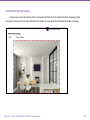
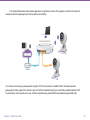
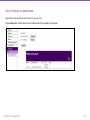
Note: You may have two different schedules for the same day. As shown in the example above, you can have two schedules:
Monday 08:00~12:00 and Monday 14:00 ~ 18:00.
Chapter5 | User Interface
106