1
18
Inviting Friends
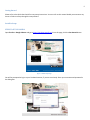
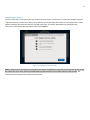
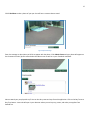
Below the video viewing screen and action buttons, you can invite your Facebook friends to your SocialPet System.
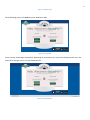
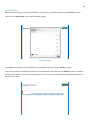
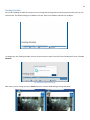
Once you click Invite Friends, a list of your friends will appear
Fig. 24 Invite Friends
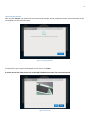
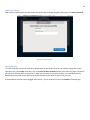
Click Invite for each friend. Your friend will be sent a Facebook request to join your SocialPet camera.
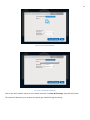
Once your friends have accepted your request, you can review their access levels to your SocialPet System. The default
permissions for friends are: give treat, take photo, post to wall. You can uncheck and check the appropriate access you
want for your friends.