1
4 Detailed Reference
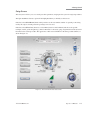
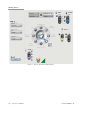
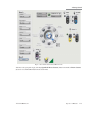
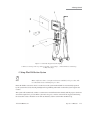
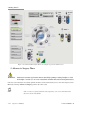
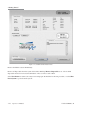
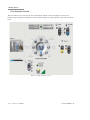
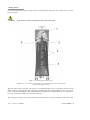
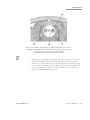
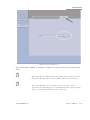
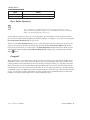
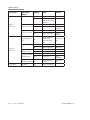
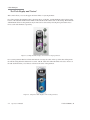
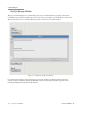
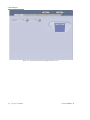
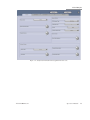
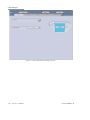
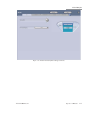
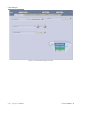
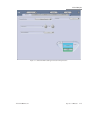
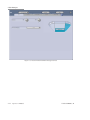
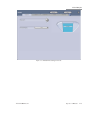
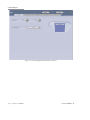
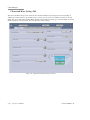
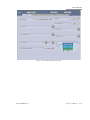
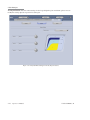
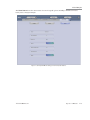
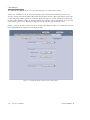
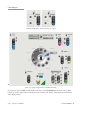
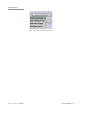
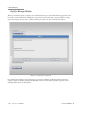
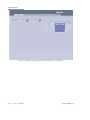
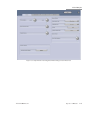
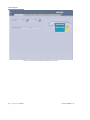
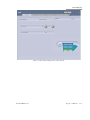
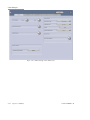
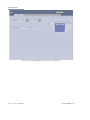
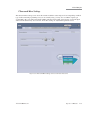
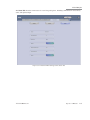
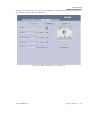
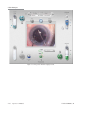
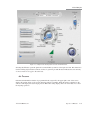
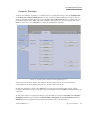
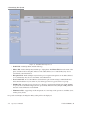
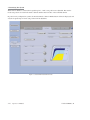
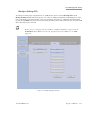
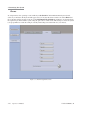
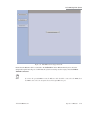
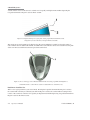
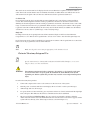
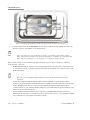
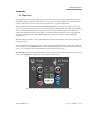
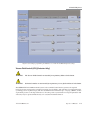
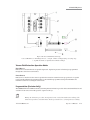
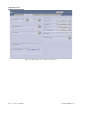
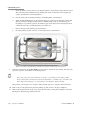
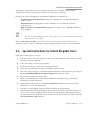
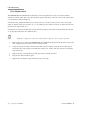
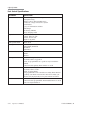
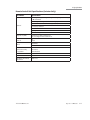
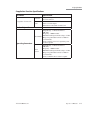
Figure 4.27. More Settings Screen, Infusion Tab (Combined).
5.
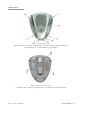
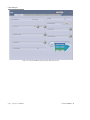
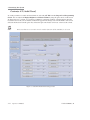
Selecting Infusion Pump to On will automatically activate the air pump whenever the surgeon file is
selected for surgery. (For Combined Domain Only)
6.
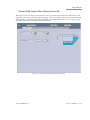
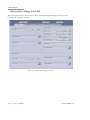
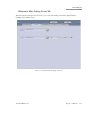
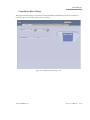
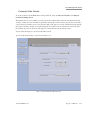
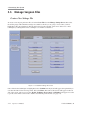
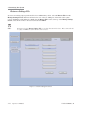
Pressurized Infusion settings and function could be saved with Case More Settings Screen.
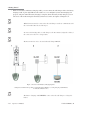
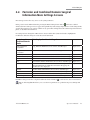
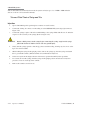
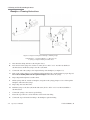
Pressurized Infusion Setup
1.
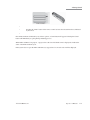
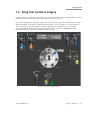
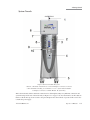
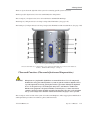
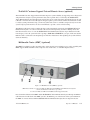
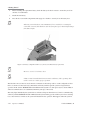
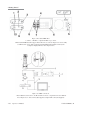
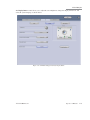
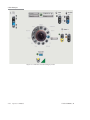
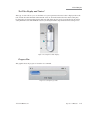
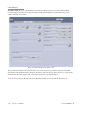
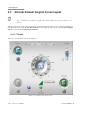
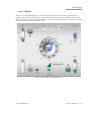
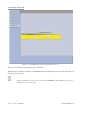
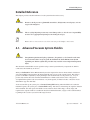
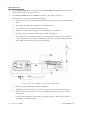
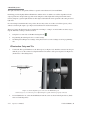
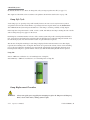
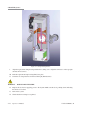
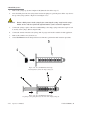
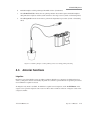
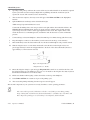
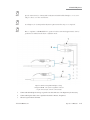
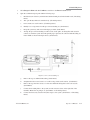
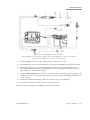
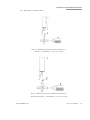
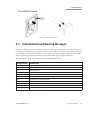
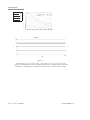
Remove the filter cap (A) from the bottle spike venting port that comes with the system disposable pack
in Figure 4.28.
2.
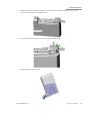
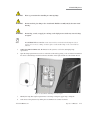
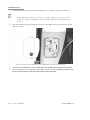
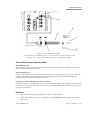
Connect the Air Tubing Line male connector to the bottle spike venting port (A) in Figure 4.28.
3.
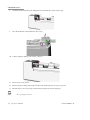
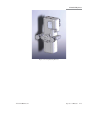
Connect the Air Tubing Line filter to the microsurgical system air source (B) in Figure 4.28.
4.
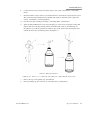
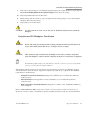
Spike and hang the bottle on the hanger at the desired bottle height.
5.
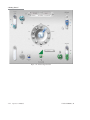
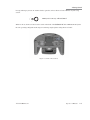
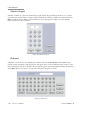
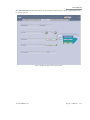
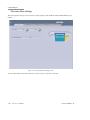
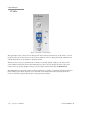
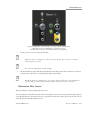
Use the up and down arrows to select the desired air pressure.
6.
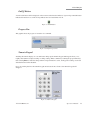
Turn On the air pump by selecting Off button below the setting display. Selecting the same button will
turn off the pump.
110017276EN Rev. B
Operator’s Manual
4-45