1
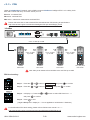
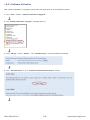
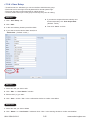
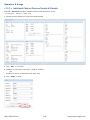
In Fan pane, Double Click “ Temp Settings “ to go to Temp Settings page.
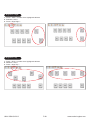
You can
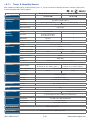
- Activate / Deactivate Temp. sensor
- Change “ Position “ of Temp. sensor
- Enable / Disable Auto CFM Control
- Change the “ Alarm “ of Temp. sensor
- Click “ Save ” to finish
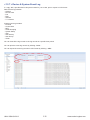
< 12.5 > Console Message
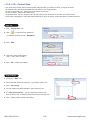
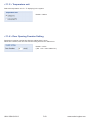
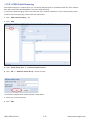
In the bottom side of the web page, you can view the console message pane.
All action related to the cabinet doors will be shown in this area.
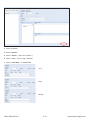
To collapse and hide the console message pane, Click
To expand and display the console message pane , Click
UM-X-ISM-Q413V3
P.71
www.austin-hughes.com