1
Note
·
You can recharge the battery every time the Harmony One is not in
use. This does not affect the lifetime of the battery, and the remote is
always charged ready to use.
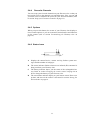
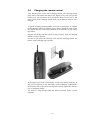
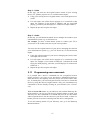
As soon as the charging station is connected with mains using the AC
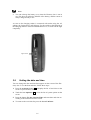
adapter, the Logitech logo will light up. Use the switch on the backside of
the charging station to select the illumination level, or switch off the light
completely.
light switch
3.9
Setting the date and time
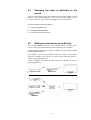
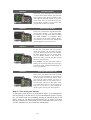
You can change the date and time that appears on the screen of the Harmony One. To set the date and time, follow these steps:
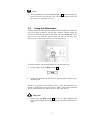
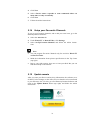
1. Press the Activities button F to display the list of Activities on the
screen of your Harmony One.
2. Touch the item Optiones E to view the list of system options on the
screen.
3. Press the button Use the Current Time and enter date and time according to the instructions on the screen.
4. To return to the Activities list press the button I'm Done.
16